2-2
P470/370 RF Scanner Product Reference Guide
There are two basic host communications options available:
• using an RS-232 cable
• using a Synapse cable.
RS-232 Connection
1. Make sure all host devices are powered down.
2. Plug the connector at the end of the cradle’s cable into the appropriate RS-232
receiving port on the host device.
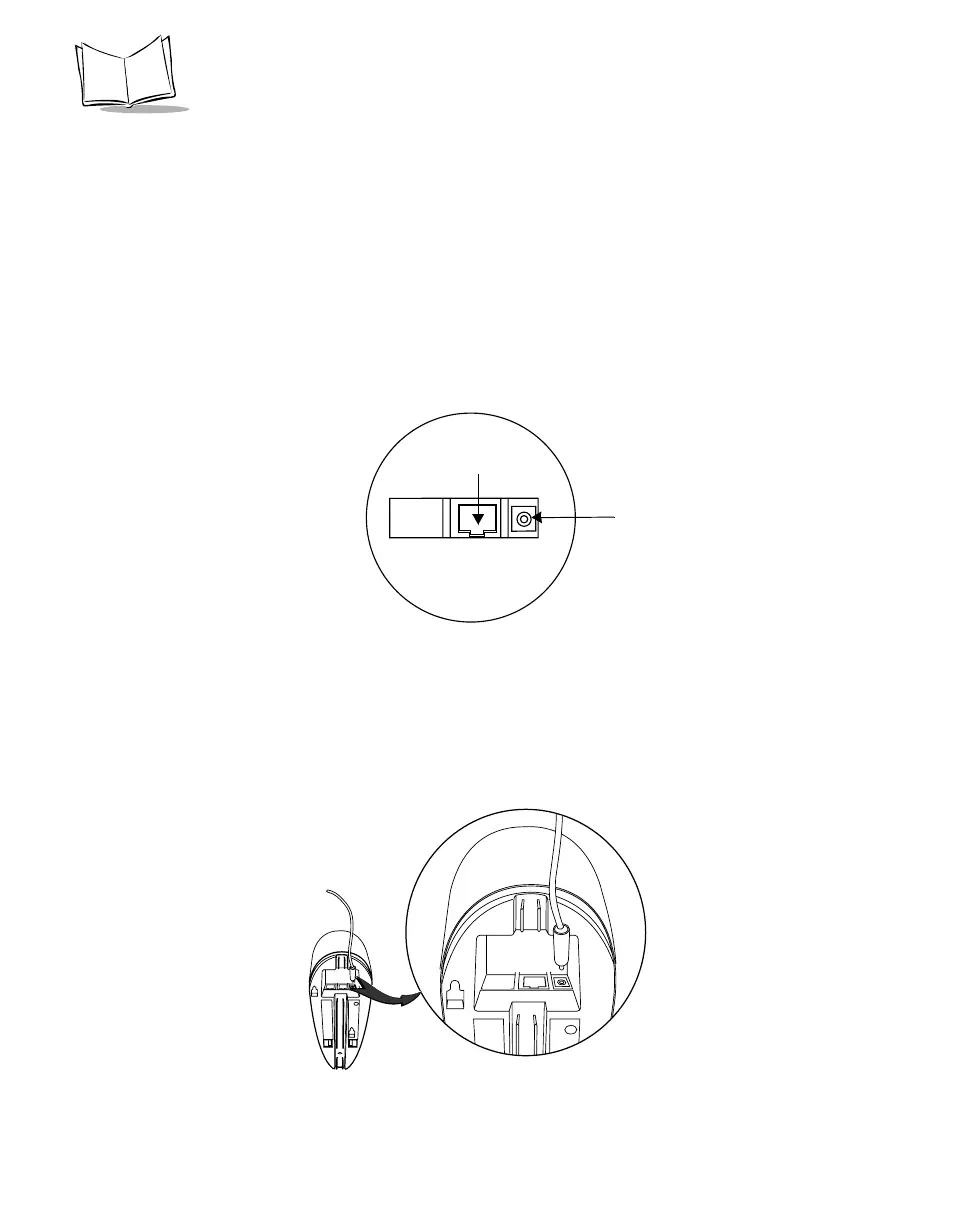
3. Plug the other end of the cable into the COM1 connector on the cradle.
Figure 2-1. Ports on the Cradle
4. Connect the power connector of the power supply into the Power port on the
cradle.
5. Connect the appropriate line cord to the power supply and into an AC receptacle.
6. The indicator light on the cradle blinks, signifying successful power-up.
Figure 2-2. Power Supply Port
Power port
COM1



 To Next Page