User’s Manual
Synaccess Networks, Inc. www.synaccess-net.com (760) 930 – 0473 Page 24 of 46
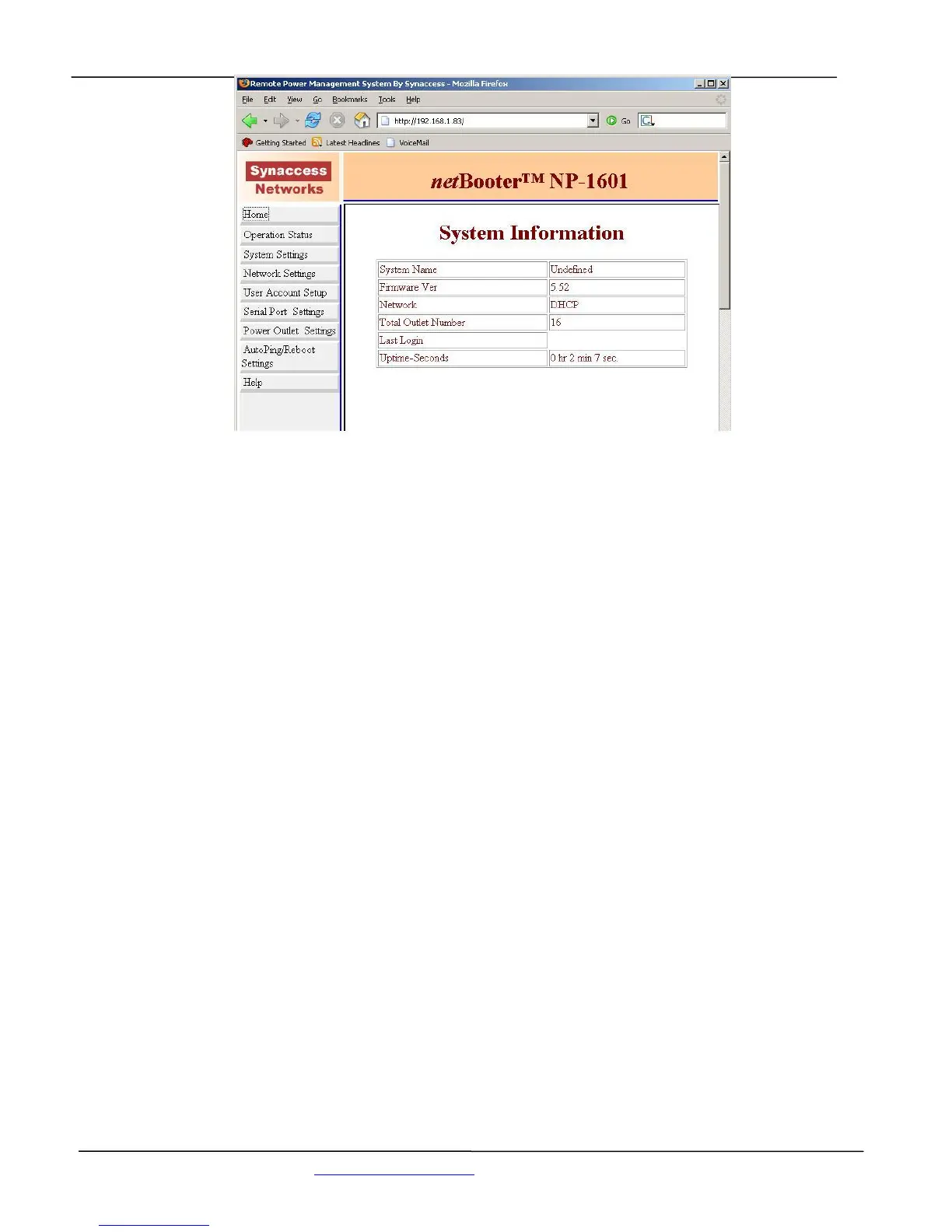
Figure 16 - System Main Menu (Web Page)
From Figure 15, System Main Menu (Terminal Screen):
Option 1 - Reboot a power outlet:
Reboots a power outlet. Rebooting executes if the outlet is unreserved (“open”) or it is reserved
under your account. However, if you logged in at Administration level; you are able to operate any
power outlets even if they are reserved by other users.
Helpful info:
control command “rb n” executes the same function as the option 1.
Option 2 – Setup System:
Enters System Access Setup submenu.
Helpful info: control command “sysshow” displays system access configuration settings.
Option 3 – Setup TCP/IP Network:
Enters TCP/IP Network Configuration submenu.
Helpful info: control command “nwshow” displays network connectivity information..
Option 4 - Configure Serial Console Port:
Enters Serial Console Port Configuration submenu.
Helpful info: control command “sshow” displays all serial console port settings..


 To Next Page