User’s Manual
Synaccess Networks, Inc. www.synaccess-net.com (760) 930 – 0473 Page 31 of 46
Command delimiters are special characters or spaces that identify the beginning or end of a group
of characters in a command. Delimiters are used to separate a character string into the individual
parts that form a command: command label, command name, parameter keywords, and parameter
values. The default delimiter character is “&” symbol. To change it, use command “eCmd X” at
terminal program or telnet session. Use command “/Help” is view available command delimiter
symbols.
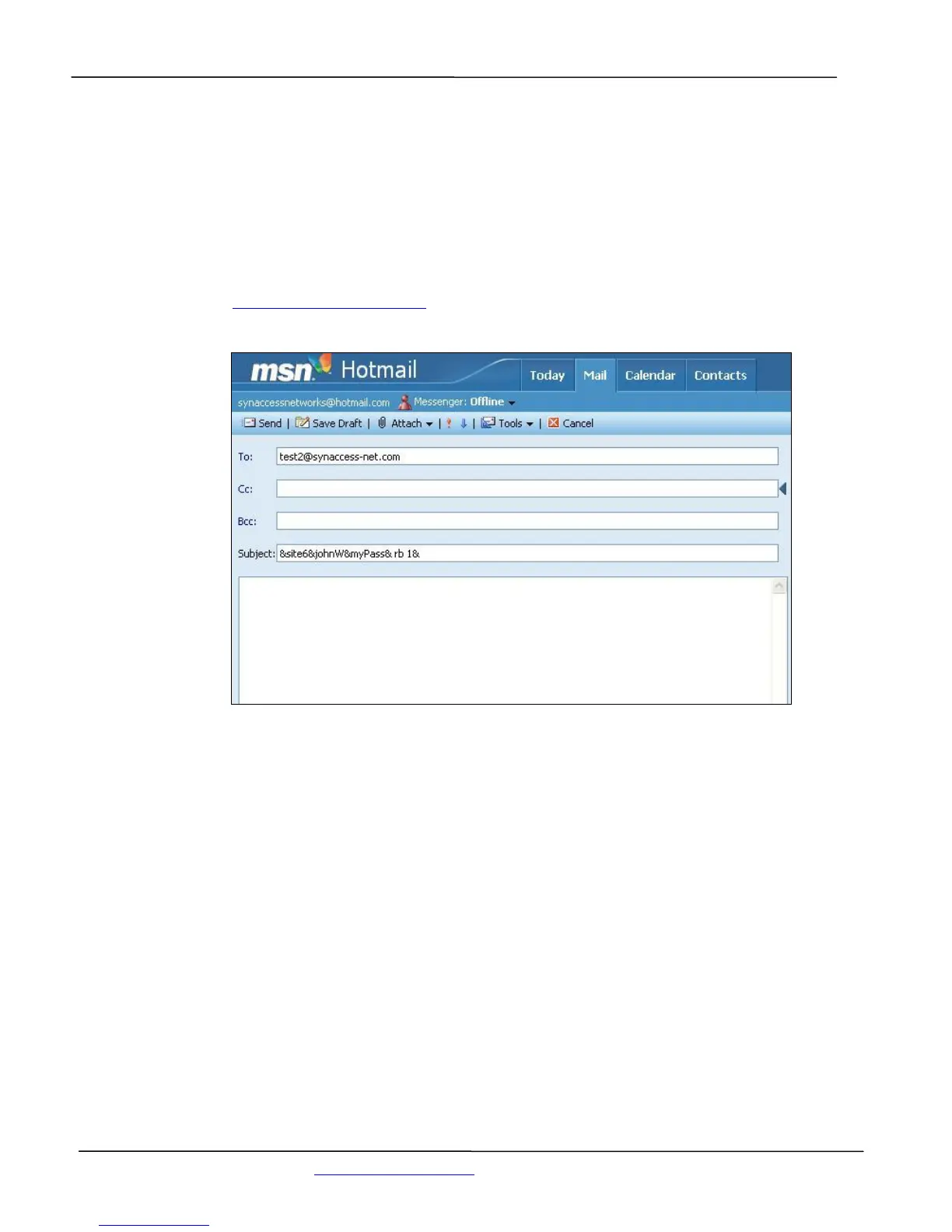
For example, sending email subject “&mySite3&johnW&123456&rb 2&” will reboot power outlet
2 on the NP system, named as “mySite3”. The user name is “johnW” and password is “123456”.
Figure 10 shows an example of sending a control command email from Microsoft Hotmail to a POP
email recipient. test2@synaccess-net.com.
Figure 21 - Sending a Control Command “rb 2” From “hotmail” Web Page
Before a command is executed, a confirmation reply email is sent. The destination of the replying
email address is already defined in the Network Configuration Table. Figure 22 shows a reply email
is received and displayed at “hotmail” web site.


 To Next Page