Administrator-Created
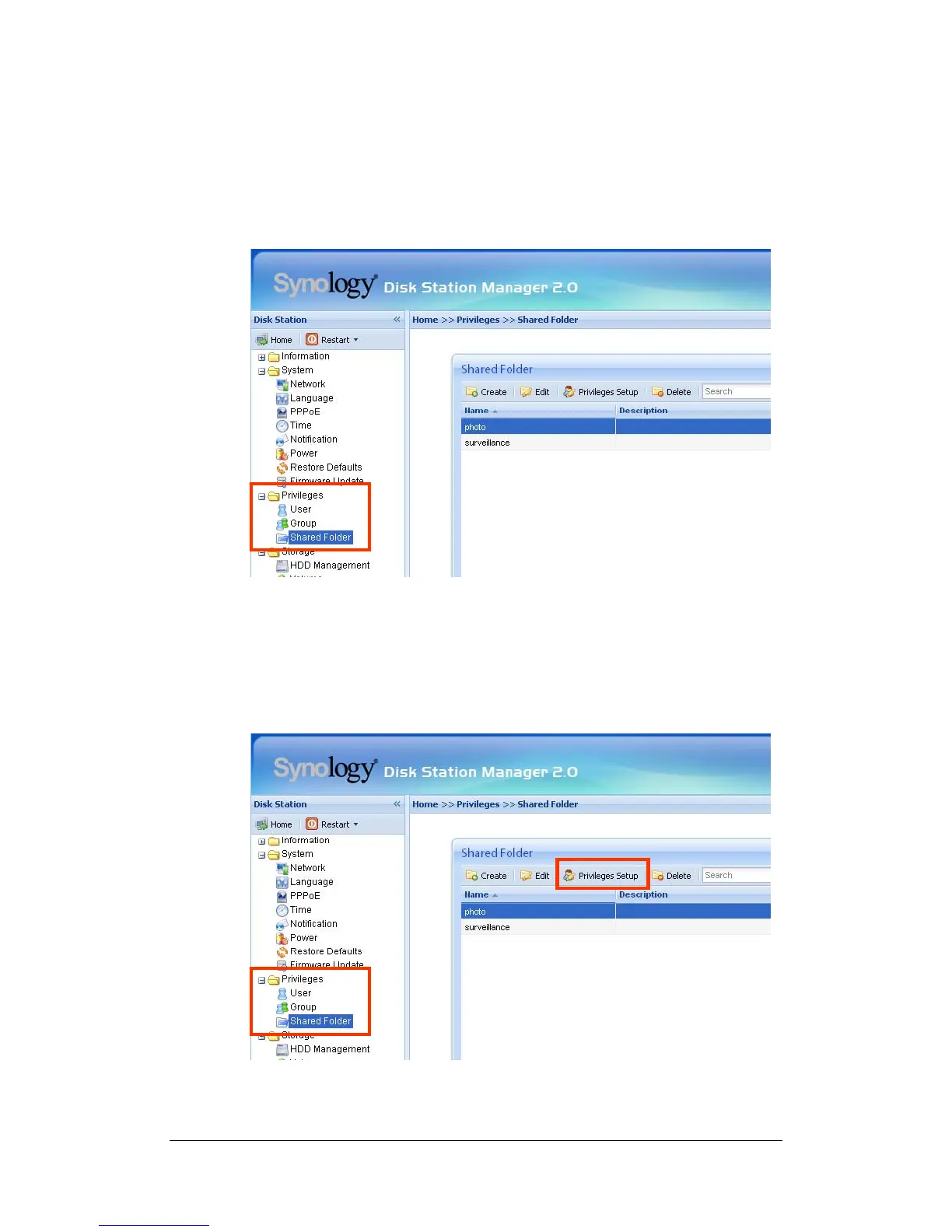
Apart from the above system built-in shared folders, Administrator can create
shared folders on the page “Privileges > Shared Folder” of the Web
Management UI. Shared folders created by Administrator can be deleted or
renamed at any time.
Setting Access Control
For security reasons, Administrator can go to the “Privileges > Shared Folder”
page of the Web Management UI and assign user privileges of accessing the
shared folders.
34















 To Next Page