52 52
Web Station
Personal or corporate website can be easily setup using “Web Station.” By
integrating with PHP and MySQL, users can also setup online shop. PHP
support is turned on by default, MySQL requires manually enabling. With the
Web Station enabled, the Virtual Host support allows you to host multiple
websites on one Synology Server.
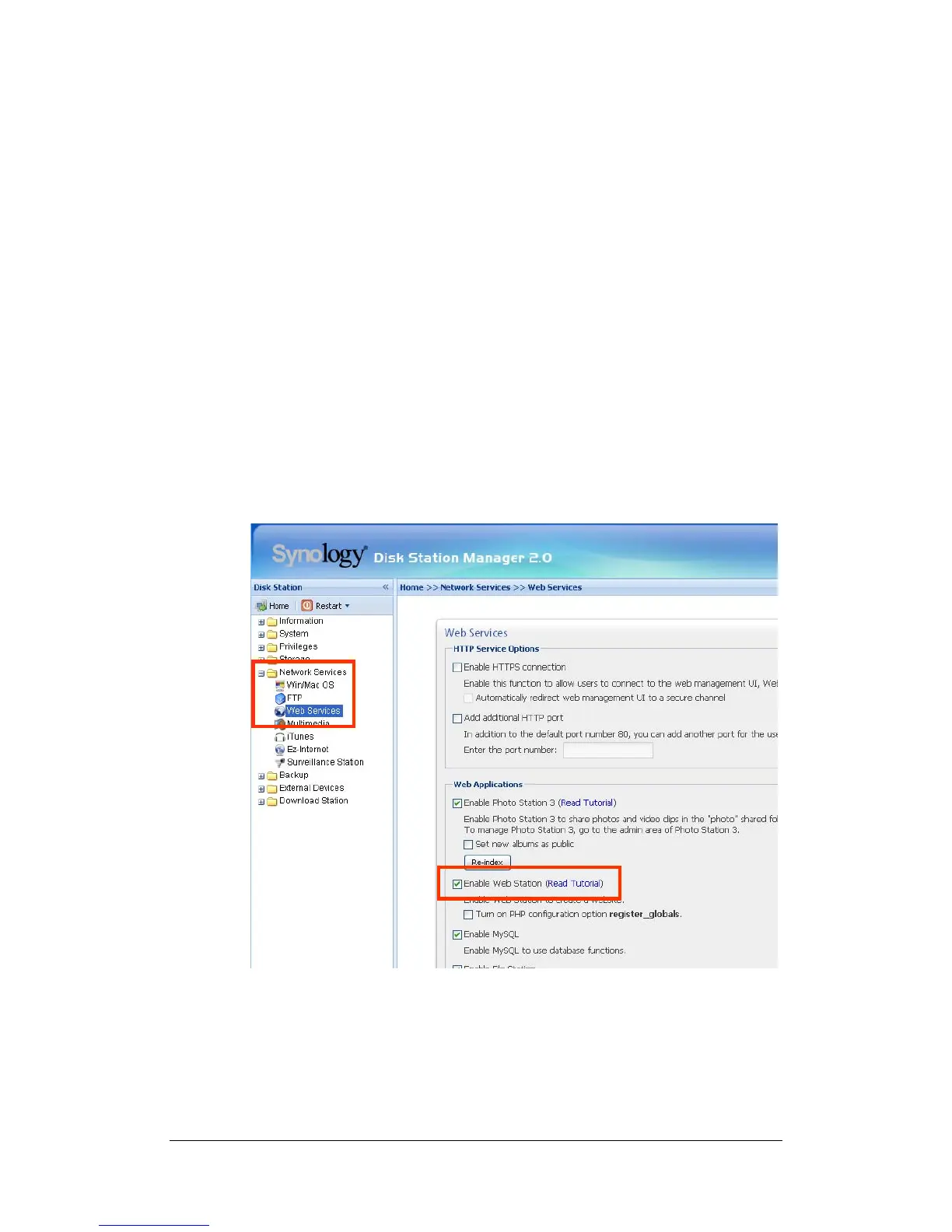
Enabling Web Station and MySQL
Go to the “Network Services > Web Services” page.
Enabling Virtual Host
Go to the “Network Services > Web Services” page, click on “Virtual Host”.
Web Station’s detail description
Please click on “Read Tutorial” link next to “Enable Web Station”.















 To Next Page