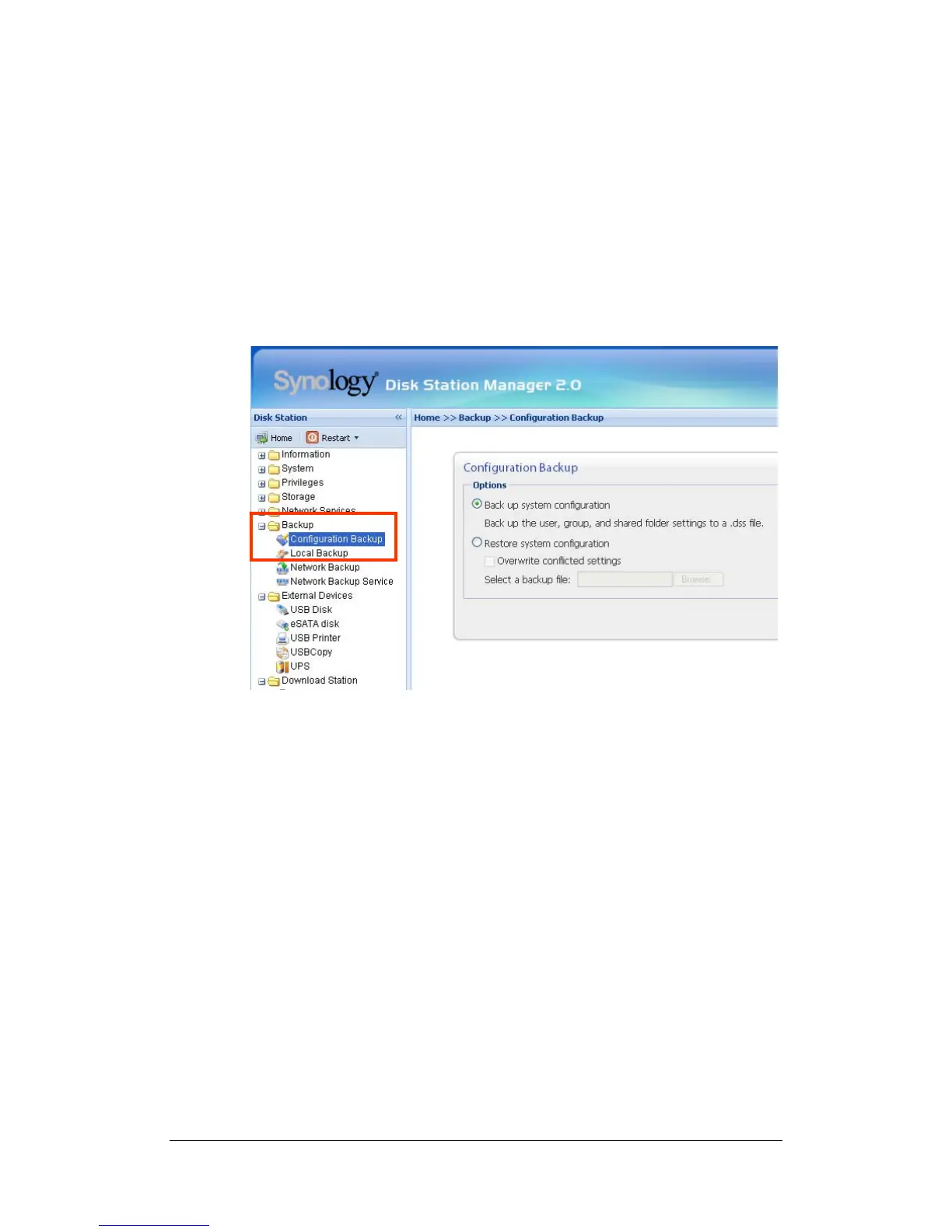
Backing up Synology Server Settings
There are two options for you to back up Synology Server’s “User”, “Group”, and
“Shared Folder” settings for easy maintenance and restoration.
Synology Server to PC Client
Go to the page “Backup > Configuration Backup” of the Web Management UI to
back up settings from Synology Server to PC Client.
Synology Server to another Synology Server
The data backed up to another Synology Server or an rsync compatible server
using “Network Backup” automatically includes the “User”, “Group”, “Shared
Folder” settings. When you recover the data, you can choose if you want to
recover these settings.
46















 To Next Page