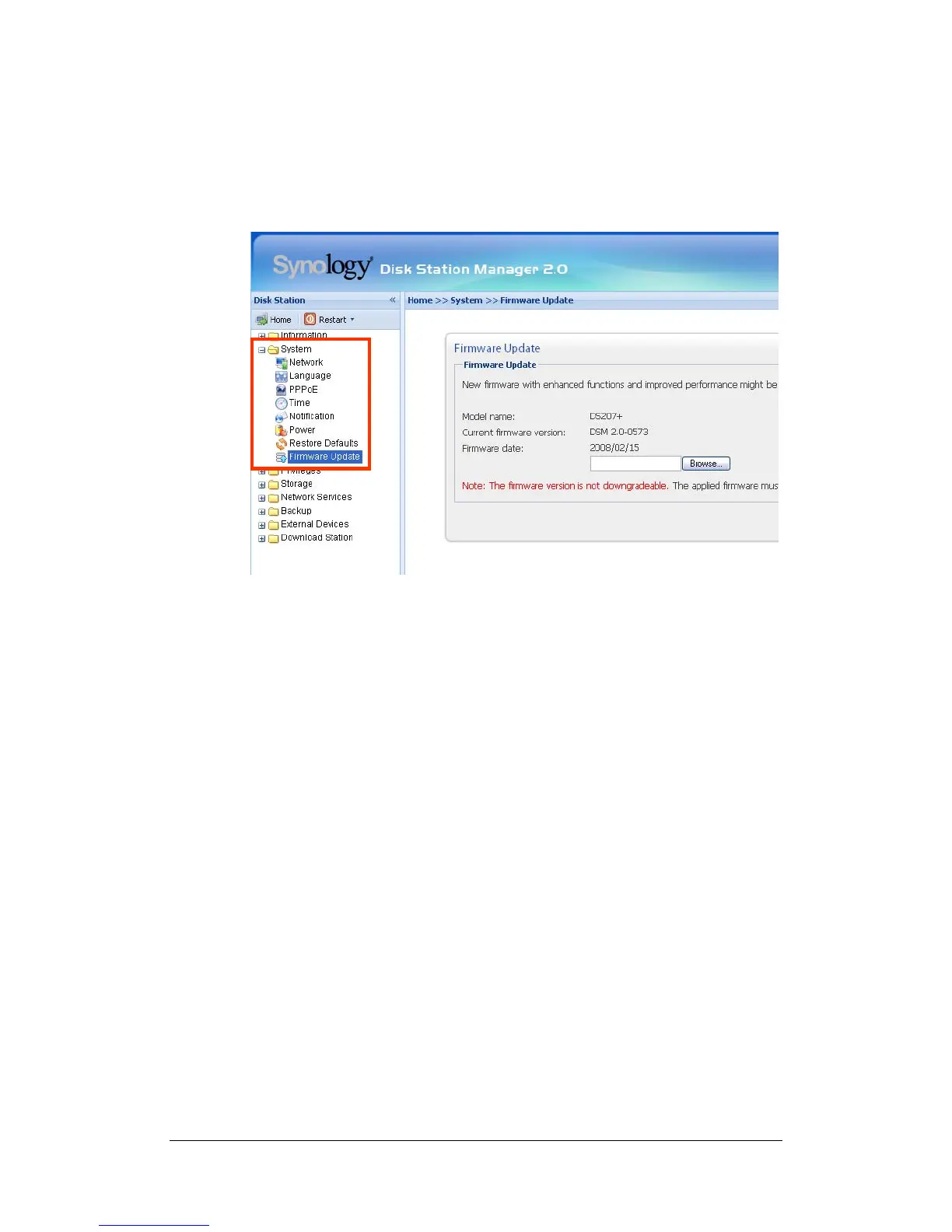
Firmware Update
To keep your Synology Server up to date, Administrator can go to “System >
Firmware Update” page to upgrade firmware.
Note: Normally, upgrading the firmware of the Synology Server will not affect
data on the Synology Server. However, to ensure data security, it is
recommended that you back up your data before update.
57















 To Next Page