54
Surveillance Station
By using "Surveillance Station", you can monitor the live image of various IP
cameras attached on the network, flexibly control the video recording options
and record the videos by choosing among Continuous Recording, Motion
Detection Recording, and Alarm Recording modes. Both M-JPEG video format
and MPEG-4 format are supported; based on the IP camera’s ability, megapixel
video live-view and recording can also be supported.
The supported camera number varies from different models for the best
performance. For the supported camera number, please refer to the
product specification table.
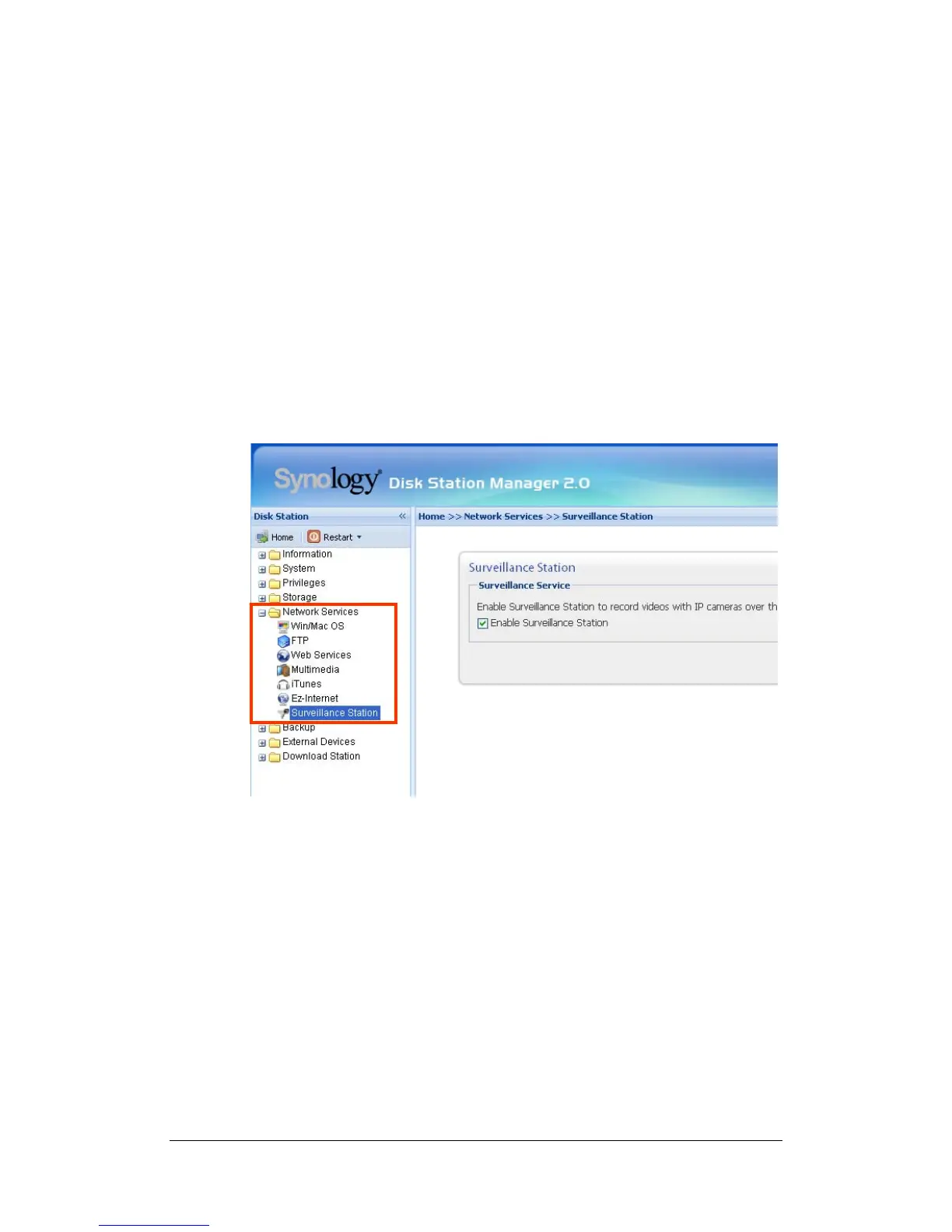
Enabling Surveillance Station
Go to the "Network Services > Surveillance Station" page.
Surveillance Station’s detailed description
For detailed function descriptions, please click Help on the Surveillance Station
Web Management UI.















 To Next Page