Managing Synology Server
Entering Web Management UI
System administrator can manage the Synology Server by entering the web
management UI. There are two options for you to enter the management UI:
Using Setup Utility
[Windows User]
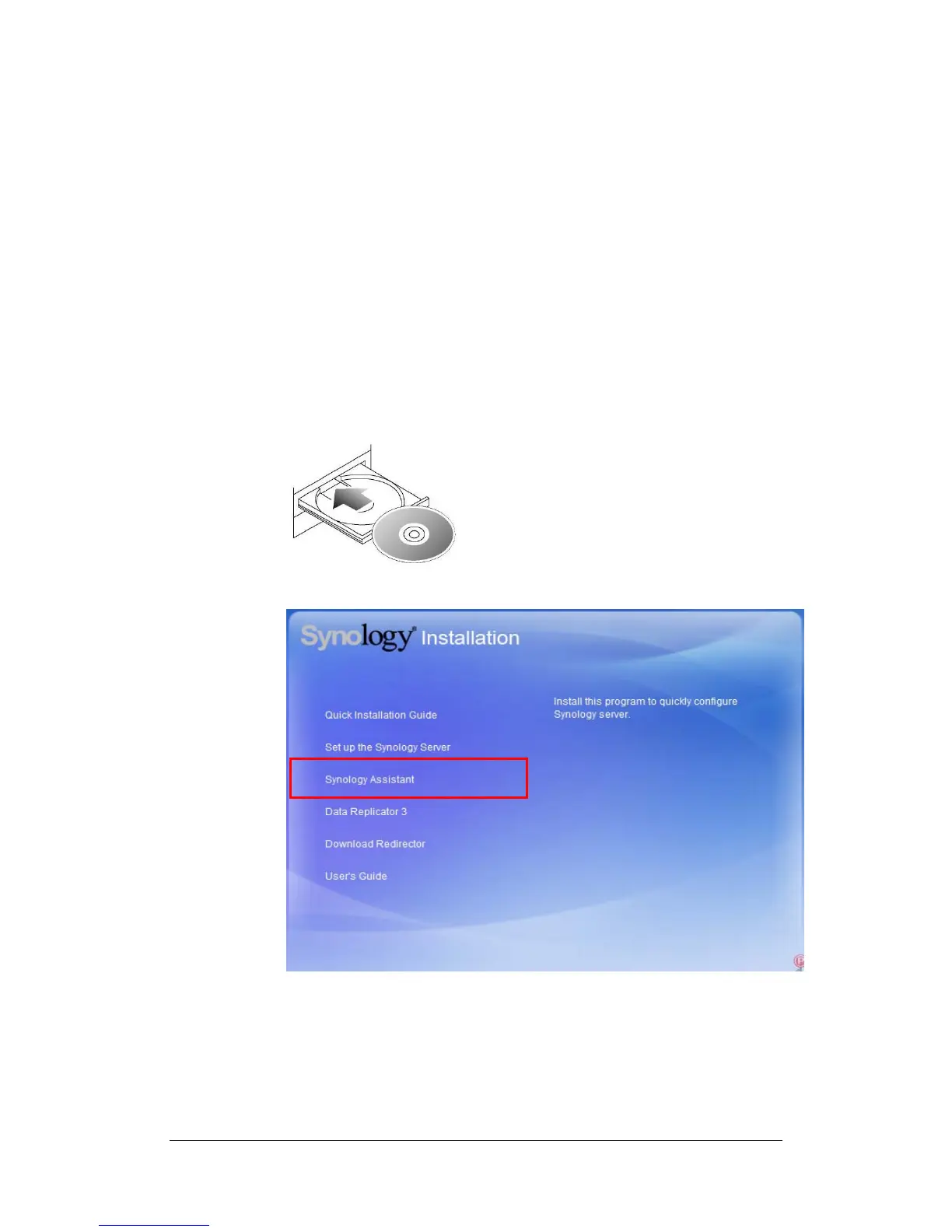
1. Insert the Installation CD into CD/DVD-Rom Drive.
2. Choose “Synology Assistant” at the Autoup Menu.
3. Follow the steps to complete installation.
24















 To Next Page