Console port Back Panel The console port is where you connect Synology
Server directly to a computer.
RESET
Button
Back Panel 1. To restore IP, DNS, passwords for the
"admin" account to default value, and reset
the “guest” account to the “enabled” status.
(Please refer to “Resetting Administrator
Password” chapter.)
2. To reinstall the Synology Server. (Please
refer to “Reinstalling Synology Server”
chapter.)
LAN Port Back Panel The LAN port is where you connect RJ-45 cable to
RS407.
Power Port Back Panel The power port is where you connect the AC power
cord.
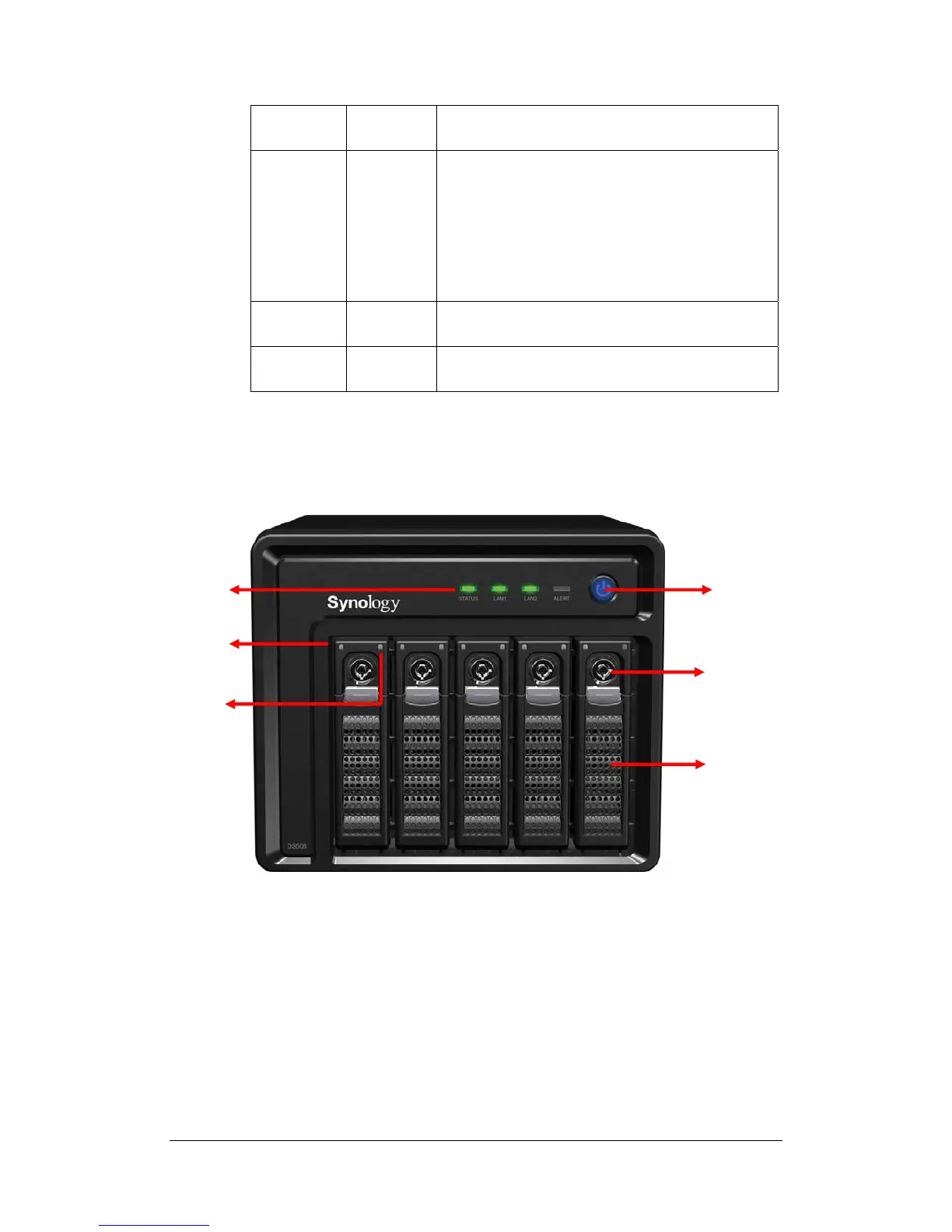
5-bay Disk Station
Front View
Activity
Indicator
Status
Indicator
LED
Indicators
POWER
Button















 To Next Page