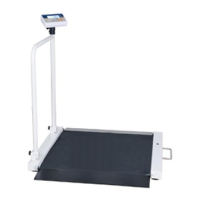
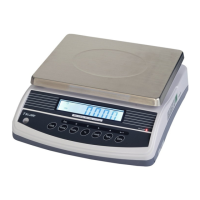
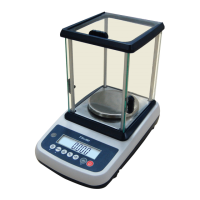
M503 Series chair Scales Service Manual (3.09)
6. OPERATION
Initial Start-up
Warm-up time of 15 minutes stabilizes the measured values after switching on.
6.1 Power ON/OFF
Switch on the scale by pressing . The display is switched on and the
self test is started.
If you want to switch off press the key again.
6.2 Zero
Set the display of your balance to zero at any time by pressing key.
6.4 Hold function
Press before load at the pan, so HOLD is active now. "Hold " and "-----"
appeared at the display.
After put load at the pan no indication until a stable non-zero weights is
detected. During this period "----" is indicated. (no indication of unstable
value).You will hear an acoustic beep, when stable weight is detected.
Indication of calculated HOLD-value with small "HOLD" in display as current
version. The unit “kg” is displayed.
After unloading the pan the value is indicated for 10 Seconds. After that
normal weight displaying is resumed.
Pressing
, while the HOLD-function is active, will cancel the HOLD-
function.
6.5 Print function
Press key to print the weight value (see the parameter on Section 7)


 To Next Page