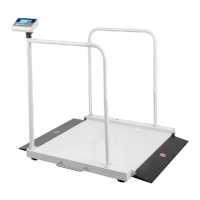
M503 Series chair Scales Service Manual (3.09)
7. PARAMETERS
Enter the Menu
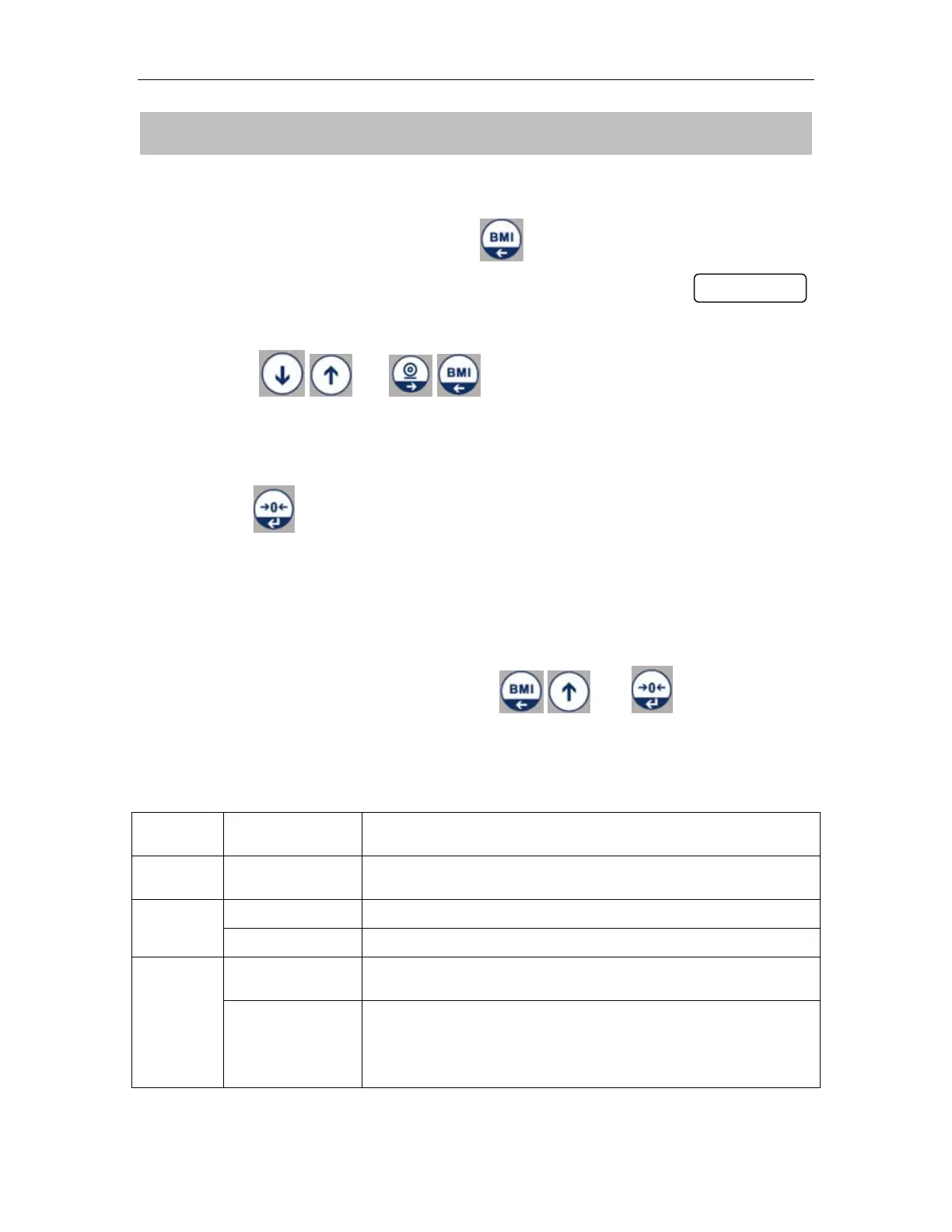
• Turn on the scale. Press and hold at normal weighing model, display
will show
Choose the Menu
• Press or , it can choose menu block or options
one by one.
Enter the Selected Menu
• Press , it can confirm which is displayed.
Enter in to TECH
Note: Before enter the tech menu, press calibration switch, which is
locating below the scale
• When display showed Pi n , press and keys to enter
the function
Parameter Block
To set the auto off time:
Disable / 3mins / 5mins / 15mins / 30mins
To disable print function.
To enable print function.
By pressing Print key , weighing value will be added
to the memory and print the print out


 To Next Page