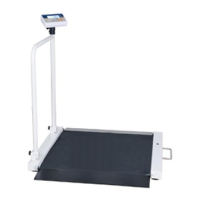
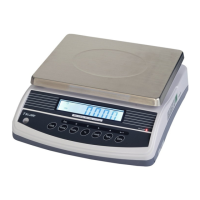
M503 Series chair Scales Service Manual (3.09)
Cleaning
• Disconnect the power before cleaning.
• Use a cloth with mild suds and light cleaning agents.
• Make sure that fluid not able to get into the device.
• Use a clean and soft cloth for rub off.
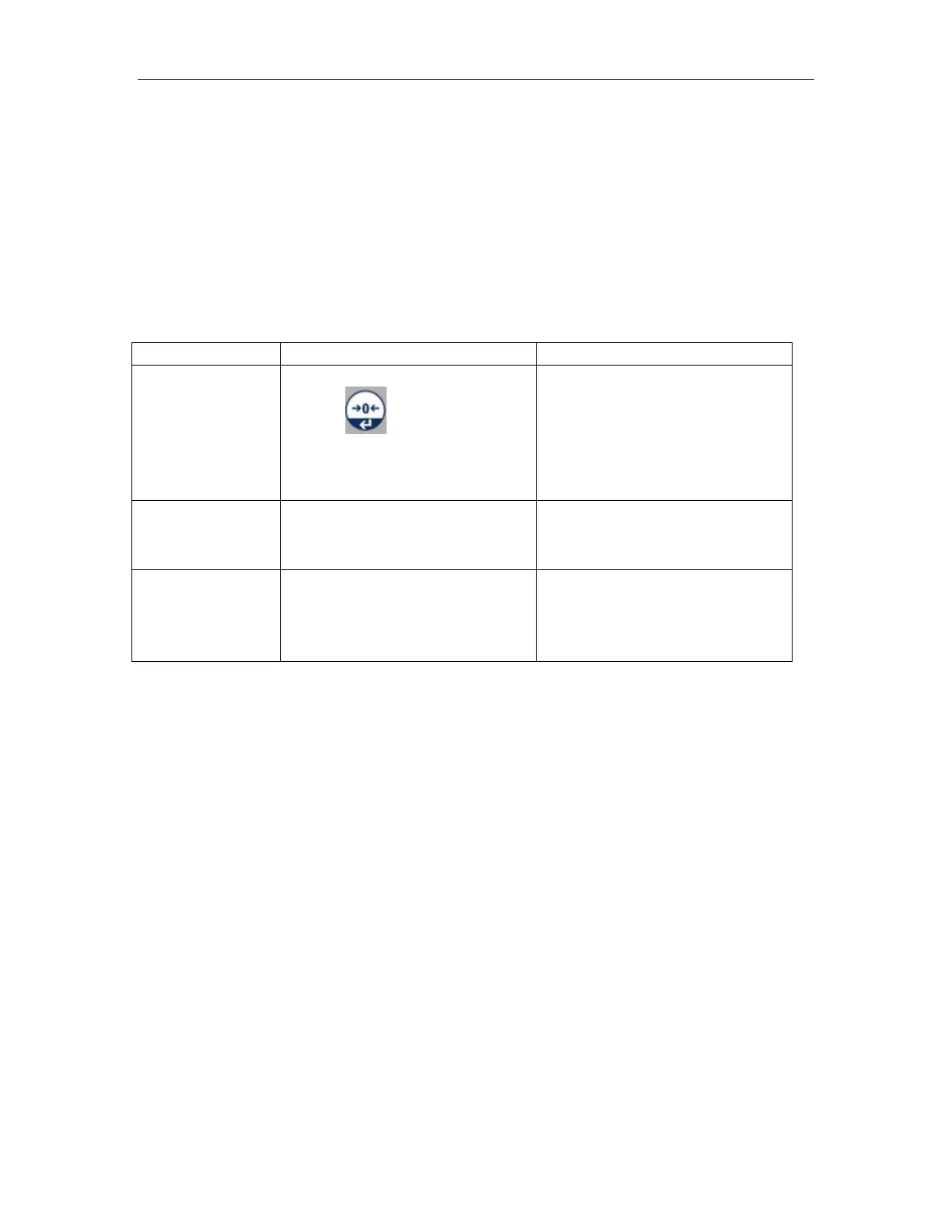
10.2. Error Codes
(press )
• Goods on the platform
• Overload, when
zeroing the scale.
• Improper calibration
• Load cell problem
•
A/D Count out of the range
• Platform not installed
• Load cell problem
•
When switch on the scale
• Goods on the platform
• Improper calibration
• Load cell problem
•
10.3. Determine the Problem
Determine whether the problem is in the PCB or the Load Cell
• Remove power from the system, and disconnect the load cell connection
from the PCB
• Connect the PCB to a load cell simulator
• Reapply power and test the PCB
• If problem goes away, its source is probably in the Load cell. Check the
wiring, connecter, load cell and mechanical components of the load cell.
If problem persists, its source is probably in the PCB. Check the PCB voltages,
connecters, cables and function programs


 To Next Page