Screen display
22
Chapter 3
XL08
1. Screen display
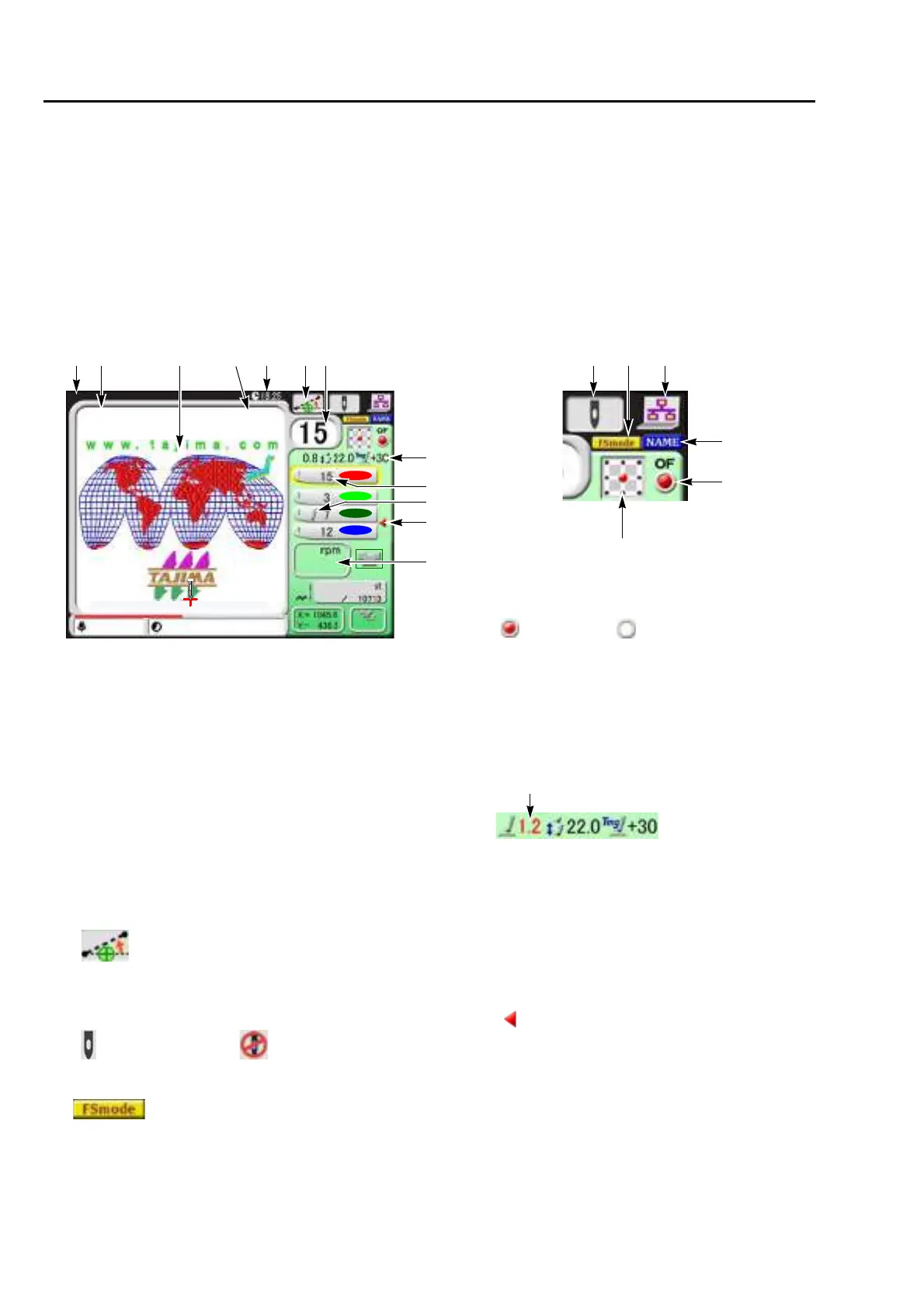
1-1. Main screen
When the power is turned ON, the following screen will appear. From this screen, setting/operation to
embroider will start. To return to the main screen from other screen, press E key until the main screen
appears.
1-1-1. Explanation on the screen
1. Functional Limit Level (p.143)
Without display : -
OP:OPM
NW:NWM
2. File name
3. Design (data set design) to be embroidered from now
4. Total stitch number of design
5. Current time
6. Design position adjustment (p.101)
7. Current needle bar No.
8. Condition of head (p.18)
9. FS mode Lock (p.120)
10. Network connected
11. Continuous name mode (p.127)
Operation possible
To suspend
12. Automatic Offset (p.173)
13. Design start position setting (p.180)
14. The presser foot setting currently set (only
TMBR-SC)
The value modified by presser foot step unit
setting will be displayed in red.
15. Needle bar No. and the setting color of needle
bar being selected at each step (p.50)
16. Displayed if the value is modified by presser
foot step unit setting. (p.50)
17. Setting to return the frame to the front in the
middle of embroidery
18. Maximum speed (p.62)
During stop
The current set maximum speed will be
displayed.
During operation
The actual embroidery speed will be
displayed.
With setting Without setting
With setting
Displayed in red
246
TAJIMA_W
0
3
15
17
18
1000
5
14
789 10
11
12
13
14117
5
1/1
1:23:45
16
14 is displayed
only in the case of
TMBR-SC.
1
OP


 To Next Page
 Loading...
