4-2. Layout of the display
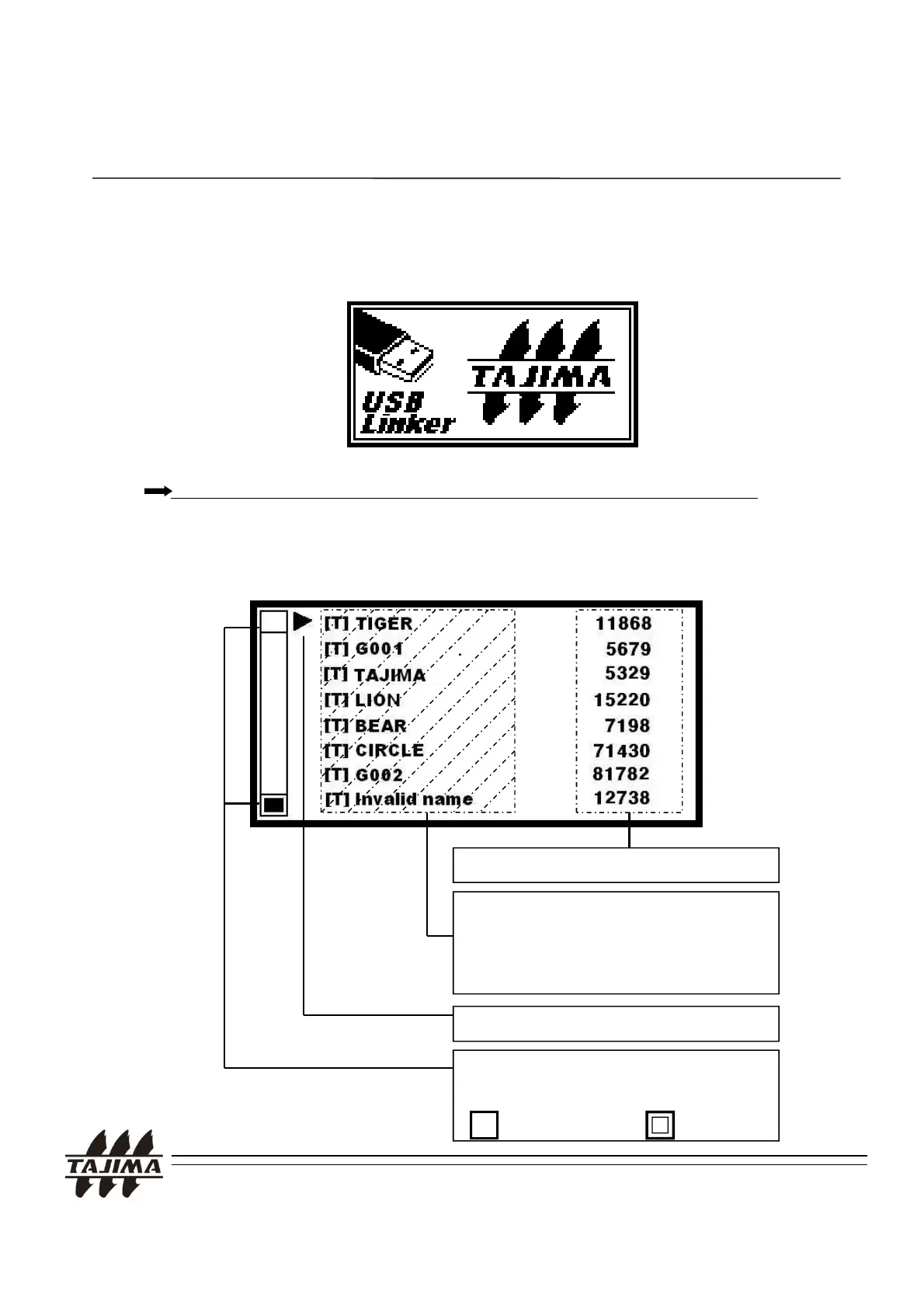
1) The following logo screen appears in a few seconds when you turn on
4. Using the TAJIMA USB Linker
the TAJIMA USB Linker.
Please see page 21 when the machine type does not match.
2) A screen to select a design
Stitch count
Showing the file name.
[T] : DST FILE
: directory
File selecting cursor.
TAJIMA USB Linker Manual
Cursor: indicating the possibility of
page up or page down
: Disable, : Enable
13


 To Next Page