4-3. Control Keys
4. Using the TAJIMA USB Linker
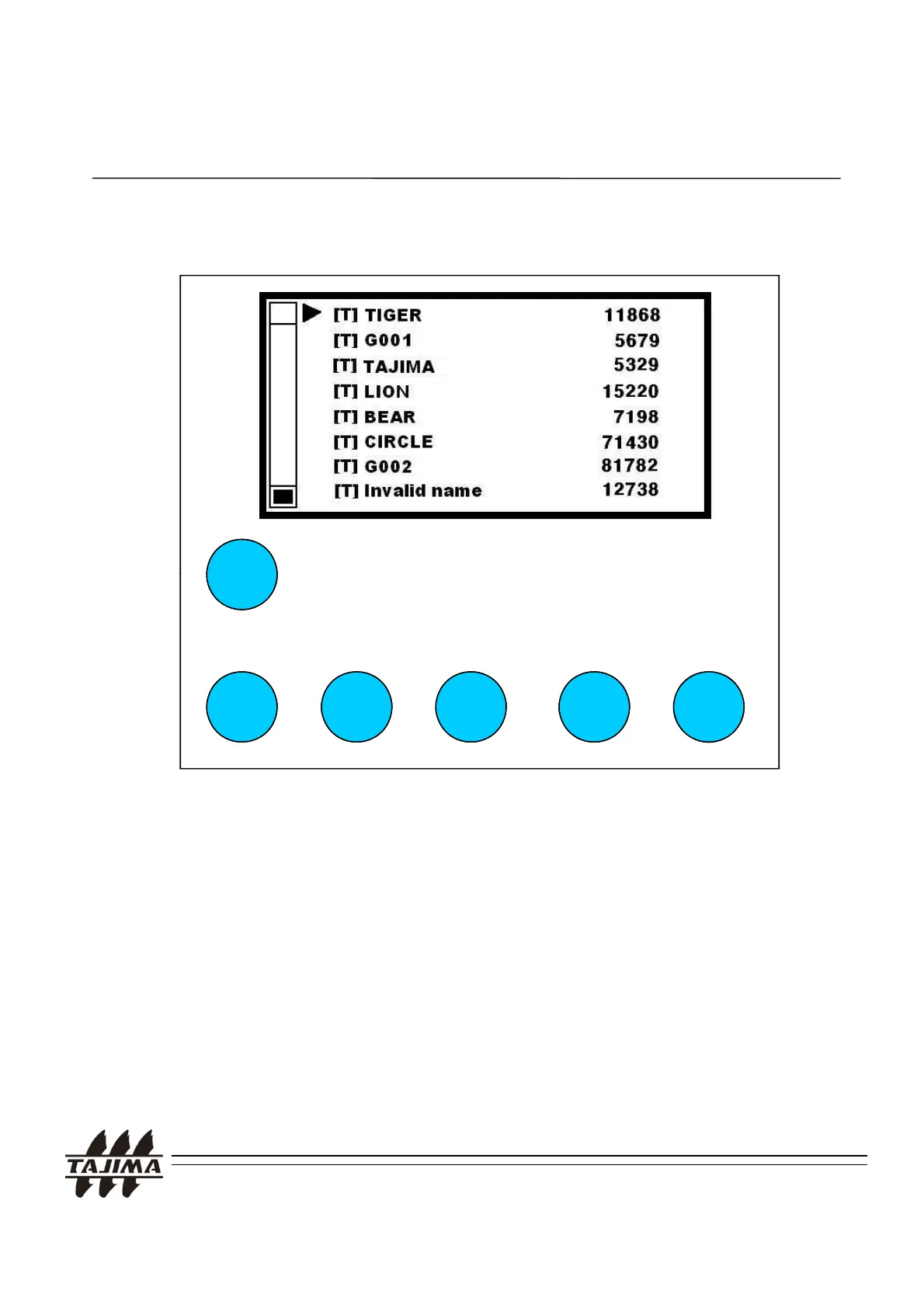
UP DOWN SET PREVIOUS MODE
UP, DOWN Keys: Moving the cursor on the screen.
SET Key: Selecting the menu item where the cursor is located on.
oing back to the previous menu after selecting
a design. If you use this key and UP/DOWN Key.
simultaneously, you can scroll the page up/down.
MODE Key: Showing the directory list when changing a directory.
RESET Key: Reset the current setting
TAJIMA USB Linker Manual
14


 To Next Page