6. Troubleshooting
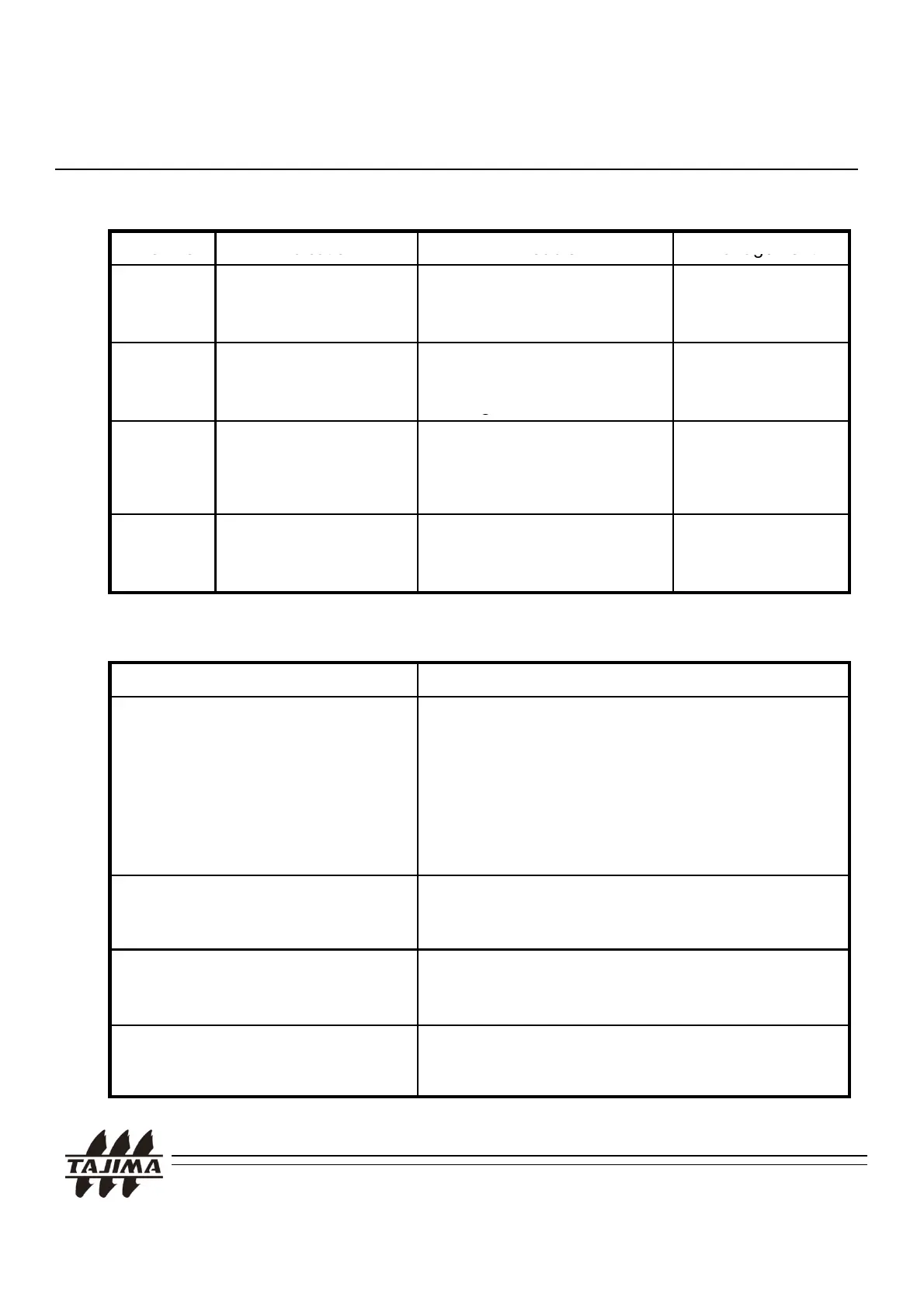
6-1. Typical errors and solutions
1001 USB READ Error It occurs during the
communication with the
machine.
RESET and
Re-Input
1002 USB EXTRACT It occurs when the USB
Stick is removed during
readin
.
RESET and
Re-Input
1003 USB Chip Set Error !
It occurs when USB Linker
does not work properly within
about 5 seconds after the
Power-on Logo has appeared.
Contact your
distributor.
1004 Directory name
is invalid
It occurs when you use special
character in the directory
Change the
directory name
.
.
Trouble Management
LCD is not turned on, after turning
- Check the cable connection.
6-2. Other possible errors
.
-
.
- Refer to Page 21 and check if the machine
setting is different with the cable.
- Please confirm if embroidery machine setting is
correct setting before input data. (especially for
TMLG, TMLE and other models.)
-
>PRE DIR is not displayed when
Connect the USB to the PC and back up the
_
changing the directory.
design. Format the USB. (This occurs when FAT
in the USB memory is broken.)
The design is transferred even
though you did not start
transferring at the machine.
- Set the machine type again.
The number of designs in the USB - We support only *.dst. (Tajima format)
Stick and displayed on the screen
are different.
Check if there are any designs in other formats.
TAJIMA USB Linker Manual
32


 To Next Page