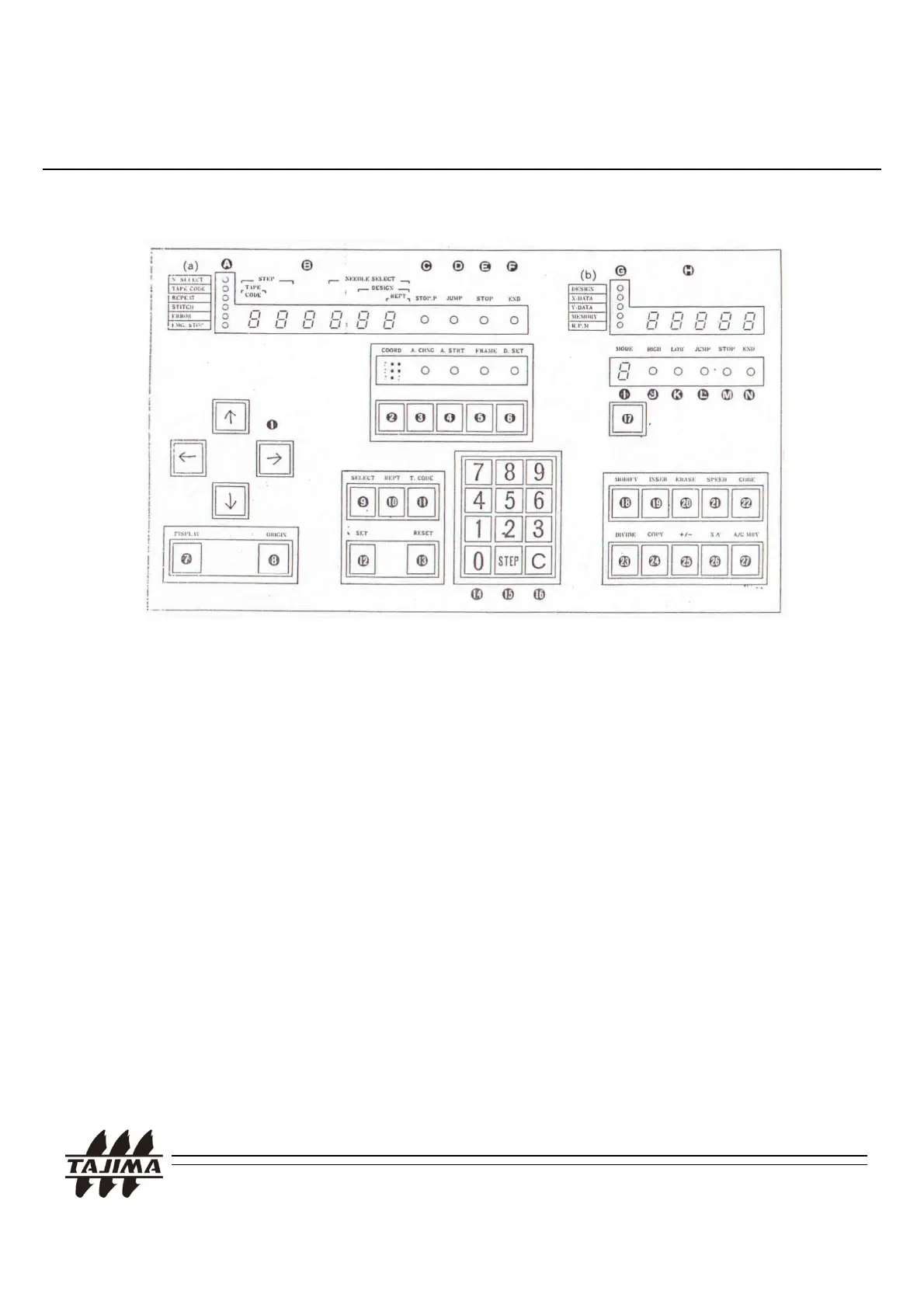
5-1. TAJIMA TMEF Series
5. Calling the design at the machine
< TMEF Operation Panel>
Remarks
Pl P ll l C bl d t it t th
.
ease use
ara
e
a
e an
connec
o
e
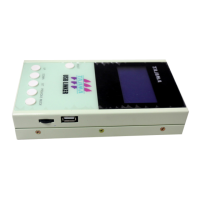
Reader Connector of the Controller Box.
2. For more details, please see the “TAJIMA User’s
Manual” of each machine.
roce
ure
or
a
a
npu
:
1) Select “T.CODE”, “2” and “SET”
2) Select any preferable number for the design and
press “SET”
TAJIMA USB Linker Manual
23
ress
.
4) Press “SET”


 To Next Page