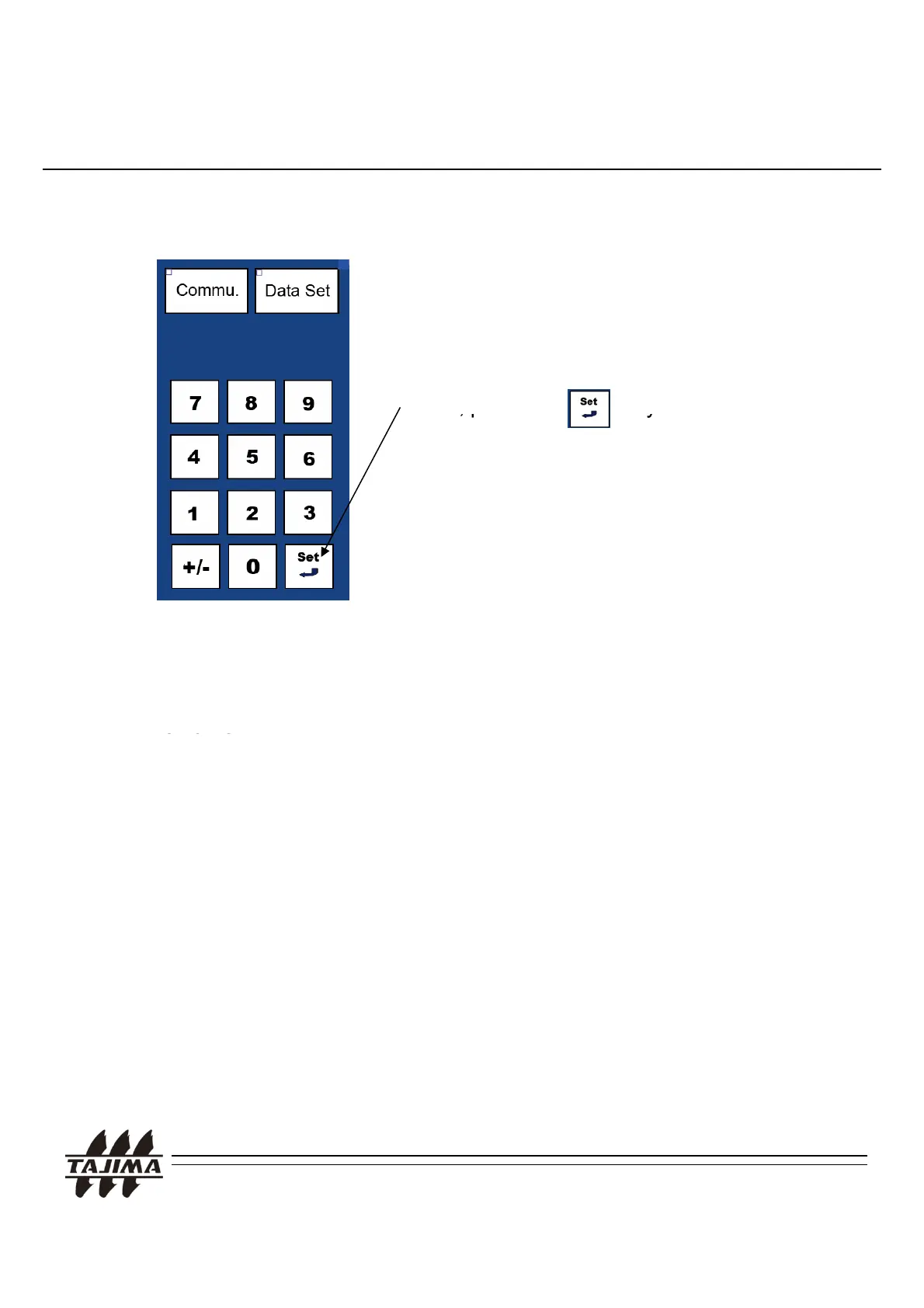
5. Calling the design at the machine
* To scale up/down or rotate the design, press the “B Data Convert” Key.
After setting all the appropriate values,
press the “DATASET” Key.
Then
ress the Ke
.
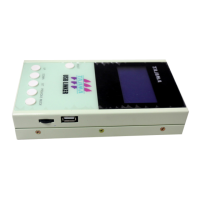
Data transfer starts from the TAJIMA USB
Linker.
R
m
rk
:
1. Parallel Port located on the Power Supply Box
(Connector for Reader).
2. Serial Port located on the Power Supply Box
(Connector for Serial I/F).
“
’
.
,
Manual“ of each machine.
TAJIMA USB Linker Manual
25


 To Next Page