5. Calling the design at the machine
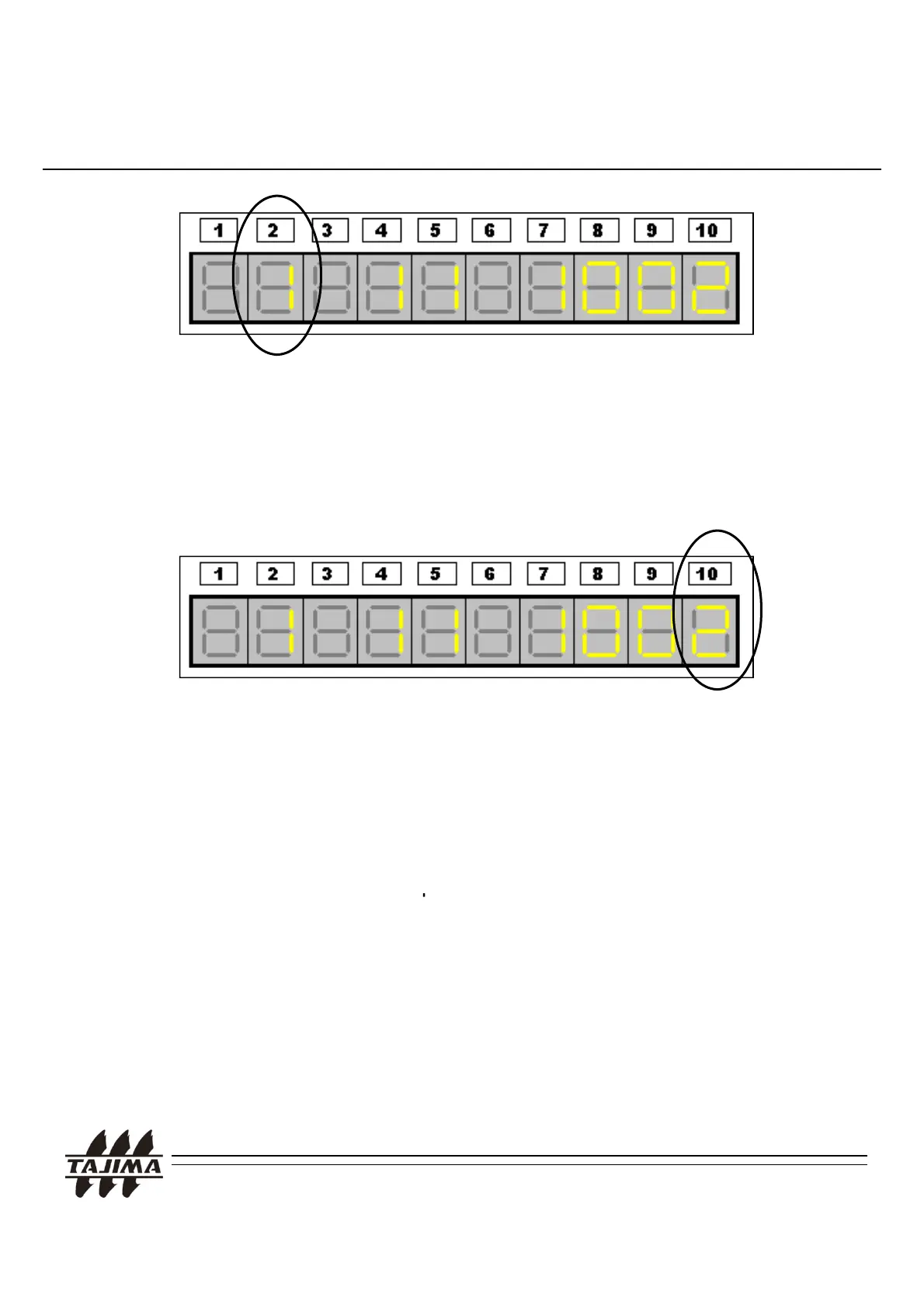
When the cursor is located in any position, it blinks. Move the cursor to
the second digit from the left end.
Press ‘1’ Key and ‘SET’ Key to select “1. TAJIMA”.
Input the design number and mirror effect (P direction), and scale up/down values.
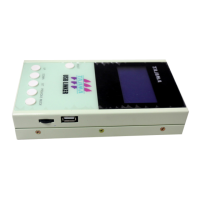
If you continue to press the “SET’ Key, 10
th
digit would blink in general.
Confirm the setting values and press “1” Key and “Set” Key.
Data transfer starts from the TAJIMA USB Linker.
Remarks:
1. In case you use Parallel Cable, please connect the cable to the
PTR Connector of the O
eration Panel.
2. In case you use Serial Cable, please connect the cable to the
RS232C Connector of the Operation Panel.
3. For more details, please see the "Tape Setting Procedure (Using an
8RE Reader" and "Data Input (Reading from PTR...)" in the “T
JIMA User's Manual“.
TAJIMA USB Linker Manual
27


 To Next Page