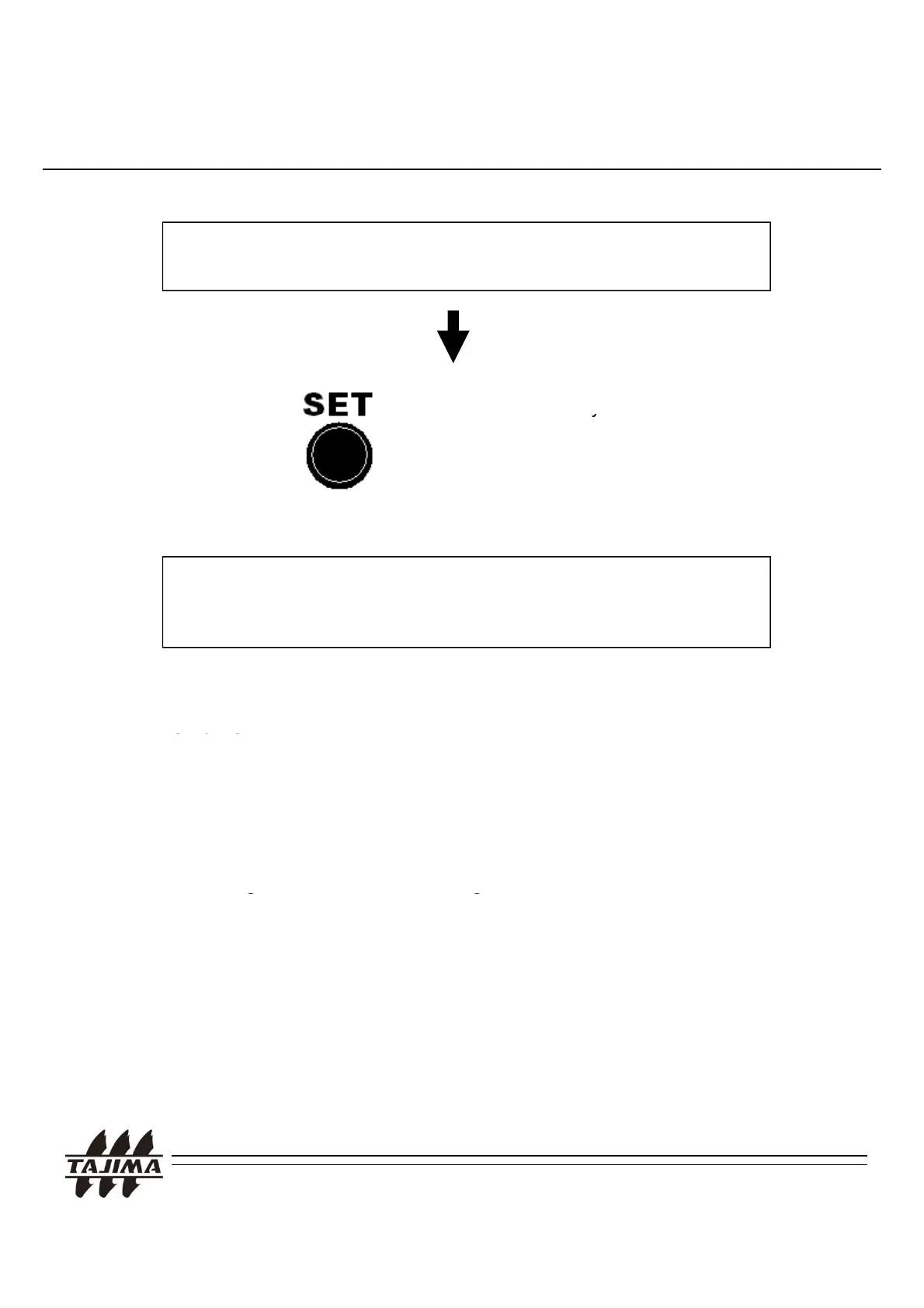
In order to change the memory location, move the cursor using the jog
5. Calling the design at the machine
dial.
Press the SET Ke
two times.
.
About 5 second later, you will hear a sound from the control panel.
Then you can prepare or start the operation.
R
m
rk
.
1. In case of Serial connection, please check the initial setting
of the communication speed (9600/19200/38400bps) in the
“TAJIMA User’s Manual” of each machine.
2. When you change the communication speed, please
chan
e the DIP switch settin
of the CPU card of the
machine.
3. For more details, please see the TAJIMA “User’s Manual“ of
each machine.
TAJIMA USB Linker Manual
29


 To Next Page