8-10
OPTIONS
OPERATING LEVER SWITCH KIT 1
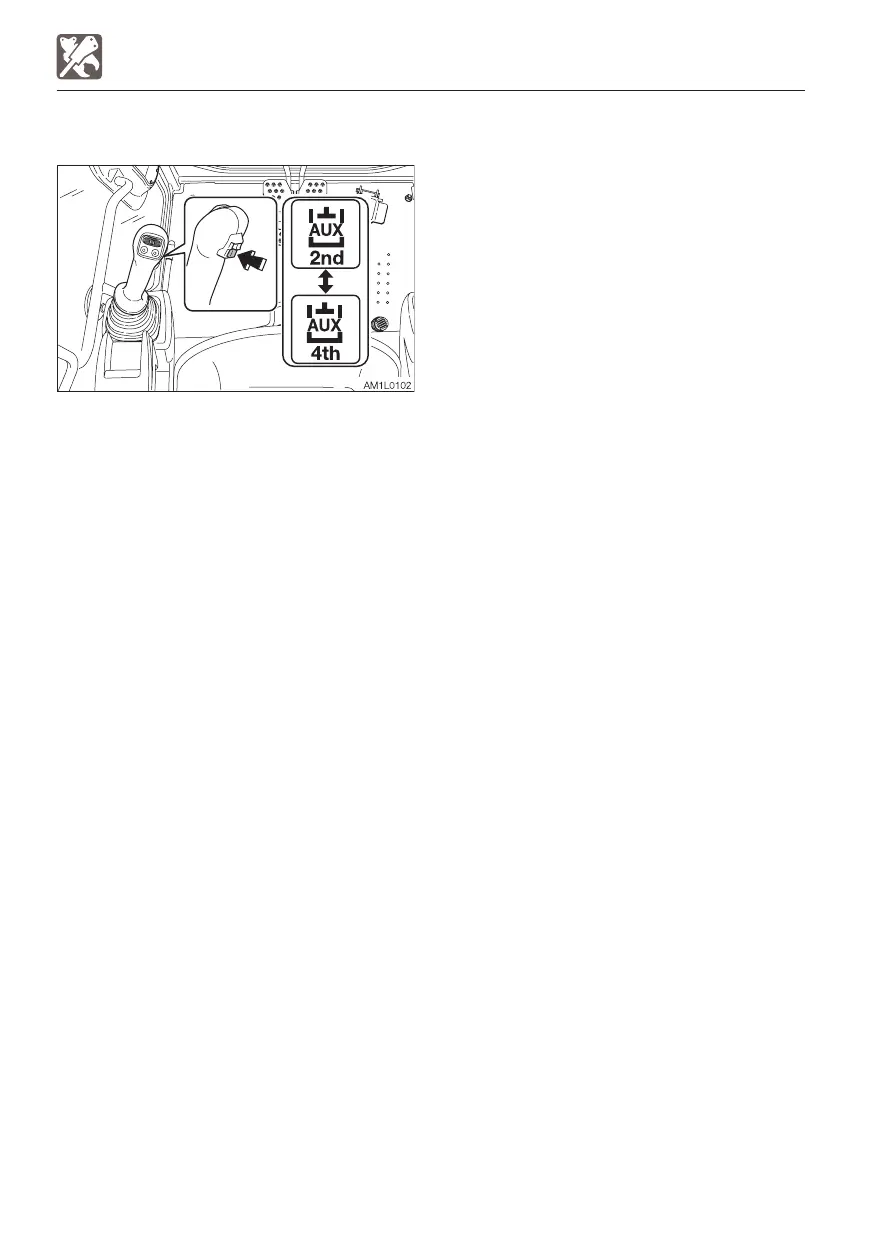
AUXILIARY 2/4 SELECT BUTTON
This switch is used to change from the
second auxiliary operation to the fourth
auxiliary operation.
Pressing this button displays the second
auxiliary on the Multi-information display to
indicate that the second auxiliary operation is
enabled. Pressing this button again displays
the auxiliary 4th on the Multi-information
display to indicate that the auxiliary 4th
operation is enabled.
The actual operation is performed with the
auxiliary 2nd/4th switch (slider switch).



 To Next Page