2-33
CONTROLS
MULTI-INFORMATION DISPLAY
SWITCHING IMAGES
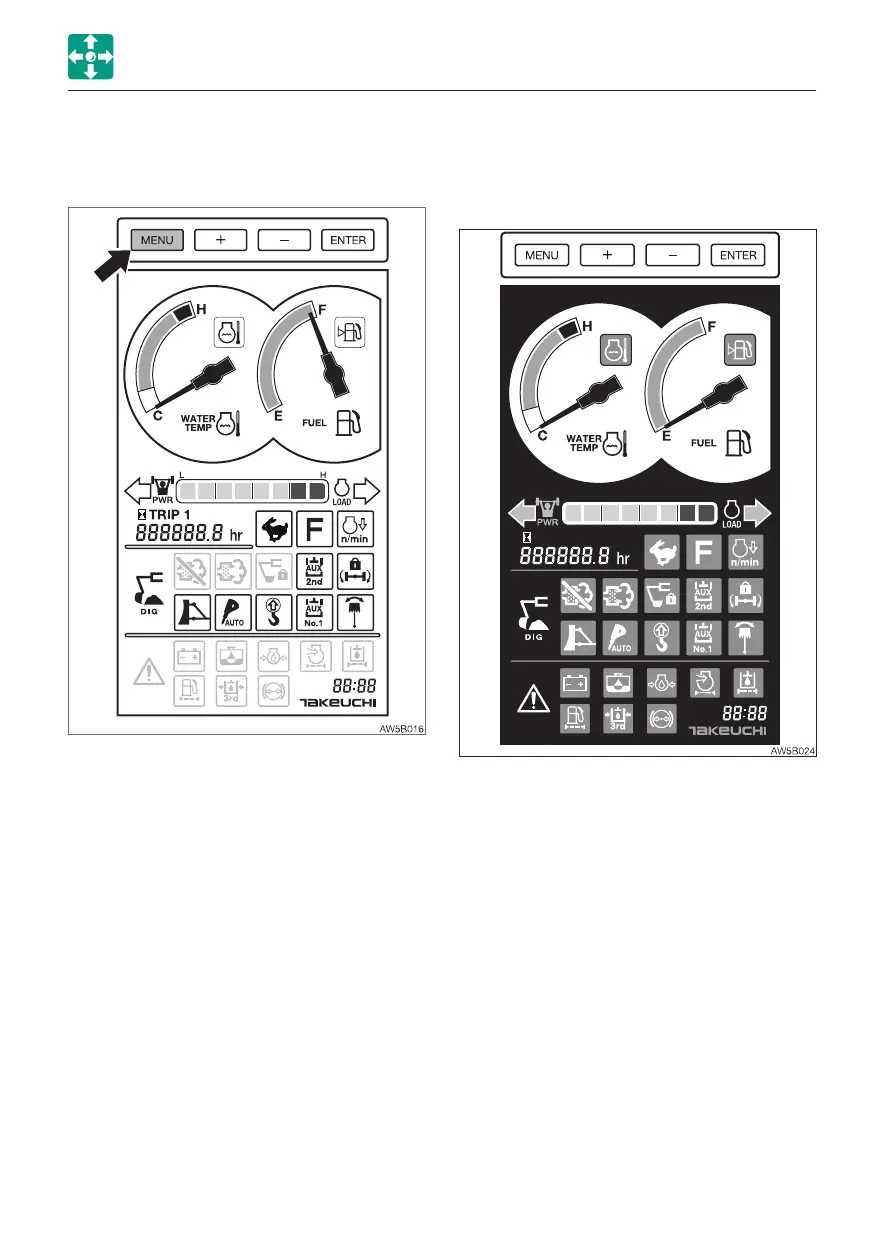
• Background color (daytime) • Changing the background color (day /
night)
When one of the items (head light, signal
light, working light, high beam switch) is
turned on, the background will always be
night mode in any screen even if the display
brightness is lowered.



 To Next Page