30
Proble
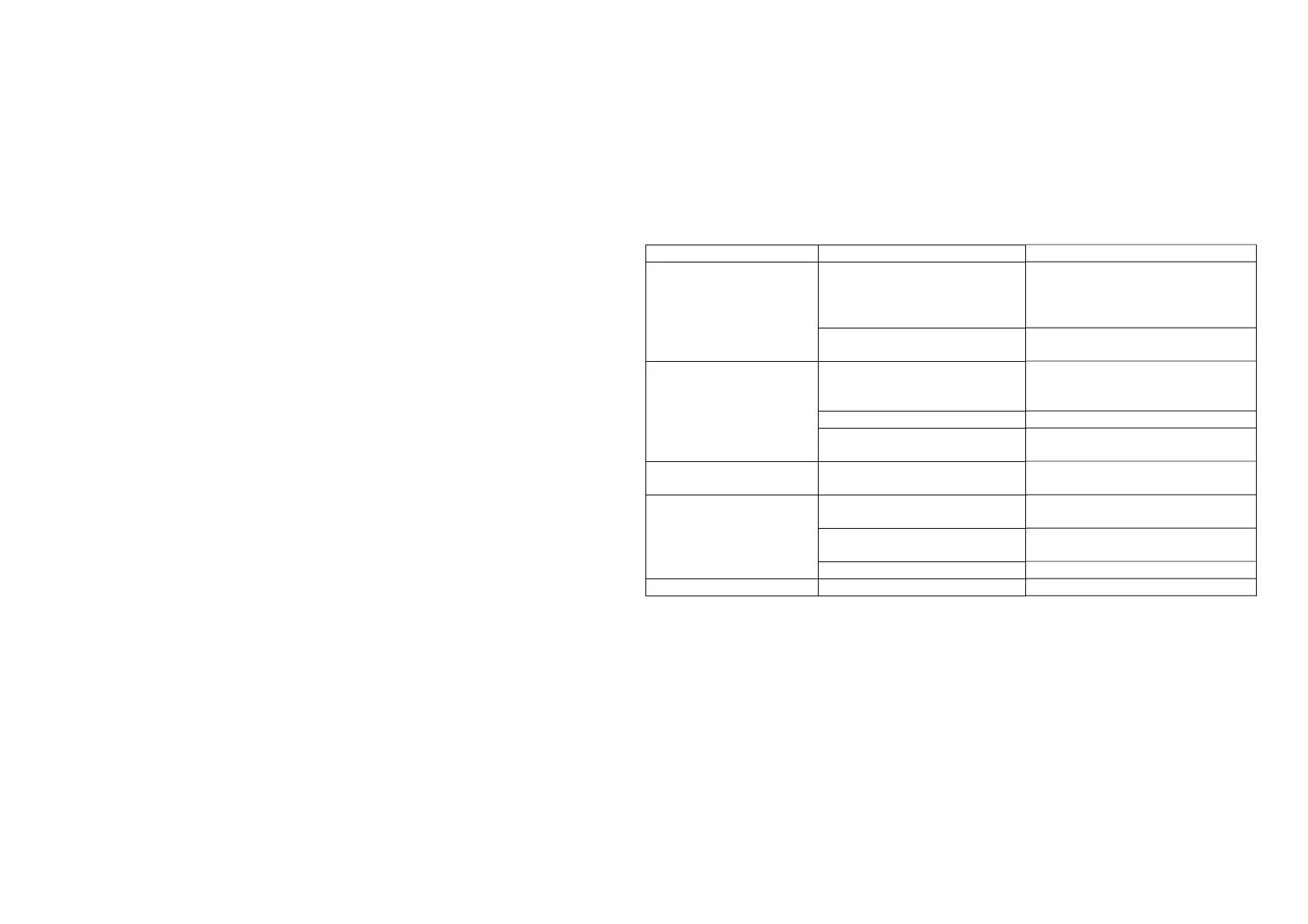
Possible Cause Solution
Poor print quality or ink
fades.
The printer does not clean up
for a long time, causing the
mechanism to be
contaminated with dirt.
Clean the mechanism.
Quality problems of printing
Pa
e
Please purchase approved Media.
No paper feeding.
There is a jam in the paper
path, or the media is loaded in
reverse.
Check the paper path and install
the media again.
Poor
ualit
of
rintin
a
e
Please
urchase a
roved Media.
The lid of the paper bin is not
closed.
Cover the pape
in cover.
Only feeding paper,no
rintin
.
the media is loaded in reverse. Load the paper correctly
accordin
to this user
uide.
Can't feed the paper
steadily to the label.
Label / Media Sensor
contaminated
Cleaning senso
Printer does not power on to
setu
the label Pa
er full
.
Restart the printer.
Label threshold is incorrect. Ad
ust label threshol
The
rinter is not Poor
ualit
of
rintin
a
e
Please
urchase a
roved Media.



 To Next Page