31
Proble
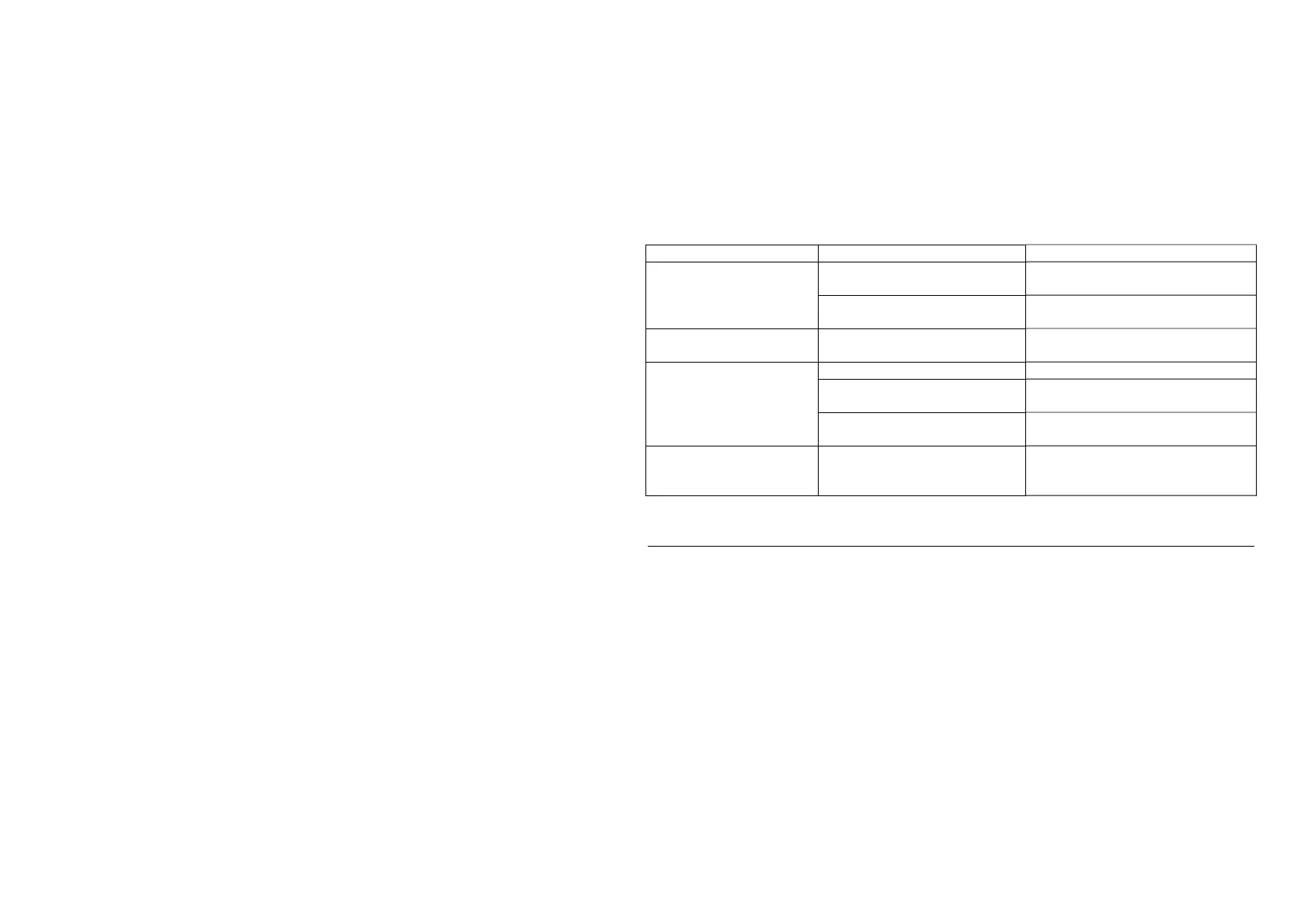
Possible Cause Solution
stable,Or print all the
content together.
Use the media with sliding
la
er.
Reduce maximum print spee
The lid of the paper bin is not
closed.
Cover the paper bin cover.
The printout is garbled.
Emulation language or data
code s
stem is not correct.
Setup the correct emulation
lan
ua
e and data code s
stem.
The printer accepted the
print data, but did not
print it.
Low volta
e Please check and char
e.
Media has not been properly
loaded.
Properly load media.
Emulation language or data
code s
stem is not correct.
Setup the correct emulation
lan
ua
e and data code s
stem.
The printer cannot be
printed through an
o
tional interface.
The interface setting is not
correct.
Print the self-test page and correct
the interface setting.



 To Next Page