EasyManua.ls Logo

Tascam DA-88 - Page 10

Tascam DA-88
26 pages
Print Icon
To Next Page IconTo Next Page
To Previous Page IconTo Previous Page
Loading...
19.
AUTO
INPUT
switch
When
this
switch
and
INSERT
are
both
previously
activated,
the
channel
inputs
selected
by
REC
FUNCTION
are
automatically
switched
to
directly
feed
the
outputs
whenever
the
transport
goes
into
rewind,
fast-forward,
shuttle,
or
stop
mode.
This
allows
the
talent
in
studio
to
talk
to
the
engineer
in
control
room
without
having
to
change
any
settings
on
the
mixer.
20.
INSERT
switch
Lets
you
monitor
tape
during
preroll
and
postroll
for
punch-
in
recording.
See
table
below.
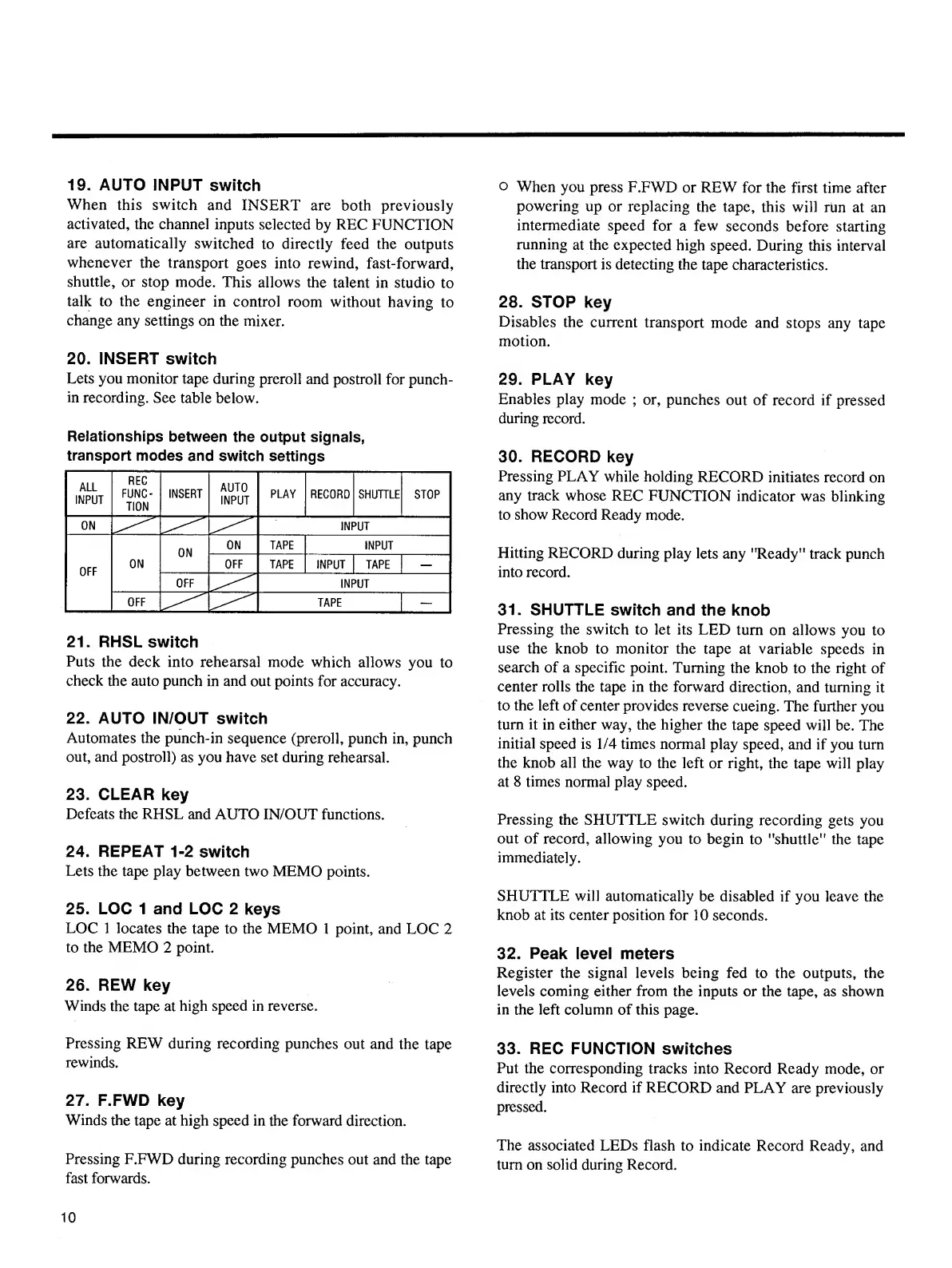
Relationships
between
the
output
signals,
transport
modes
and
switch
settings
ALL
INPUT
REC
FUNC¬
TION
INSERT
AUTO
INPUT
PLAY
RECORD
SHUTTLE
STOP
ON
INPUT
OFF
ON
ON
ON
TAPE
INPUT
OFF
TAPE
INPUT
TAPE
-1
OFF
INPUT
j
OFF
TAPE
—
21.
RHSL
switch
Puts
the
deck
into
rehearsal
mode
which
allows
you
to
check
the
auto
punch
in
and
out
points
for
accuracy.
22.
AUTO
IN/OUT
switch
Automates
the
punch-in
sequence
(preroll,
punch
in,
punch
out,
and
postroll)
as
you
have
set
during
rehearsal.
23.
CLEAR
key
Defeats
the
RHSL
and
AUTO
IN/OUT
functions.
24.
REPEAT
1-2
switch
Lets
the
tape
play
between
two
MEMO
points.
25.
LOC
1
and
LOC
2
keys
LOC
1
locates
the
tape
to
the
MEMO
1
point,
and
LOC
2
to
the
MEMO
2
point.
26.
REW
key
Winds
the
tape
at
high
speed
in
reverse.
Pressing
REW
during
recording
punches
out
and
the
tape
rewinds.
27.
F.FWD
key
Winds
the
tape
at
high
speed
in
the
forward
direction.
Pressing
F.FWD
during
recording
punches
out
and
the
tape
fast
forwards.
o
When
you
press
F.FWD
or
REW
for
the
first
time
after
powering
up
or
replacing
the
tape,
this
will
run
at
an
intermediate
speed
for
a
few
seconds
before
starting
running
at
the
expected
high
speed.
During
this
interval
the
transport
is
detecting
the
tape
characteristics.
28.
STOP
key
Disables
the
current
transport
mode
and
stops
any
tape
motion.
29.
PLAY
key
Enables
play
mode
;
or,
punches
out
of
record
if
pressed
during
record.
30.
RECORD
key
Pressing
PLAY
while
holding
RECORD
initiates
record
on
any
track
whose
REC
FUNCTION
indicator
was
blinking
to
show
Record
Ready
mode.
Hitting
RECORD
during
play
lets
any
"Ready"
track
punch
into
record.
31.
SHUTTLE
switch
and
the
knob
Pressing
the
switch
to
let
its
LED
turn
on
allows
you
to
use
the
knob
to
monitor
the
tape
at
variable
speeds
in
search
of
a
specific
point.
Turning
the
knob
to
the
right
of
center
rolls
the
tape
in
the
forward
direction,
and
turning
it
to
the
left
of
center
provides
reverse
cueing.
The
further
you
turn
it
in
either
way,
the
higher
the
tape
speed
will
be.
The
initial
speed
is
1/4
times
normal
play
speed,
and
if
you
turn
the
knob
all
the
way
to
the
left
or
right,
the
tape
will
play
at
8
times
normal
play
speed.
Pressing
the
SHUTTLE
switch
during
recording
gets
you
out
of
record,
allowing
you
to
begin
to
"shuttle"
the
tape
immediately.
SHUTTLE
will
automatically
be
disabled
if
you
leave
the
knob
at
its
center
position
for
10
seconds.
32.
Peak
level
meters
Register
the
signal
levels
being
fed
to
the
outputs,
the
levels
coming
either
from
the
inputs
or
the
tape,
as
shown
in
the
left
column
of
this
page.
33.
REC
FUNCTION
switches
Put
the
corresponding
tracks
into
Record
Ready
mode,
or
directly
into
Record
if
RECORD
and
PLAY
are
previously
pressed.
The
associated
LEDs
flash
to
indicate
Record
Ready,
and
turn
on
solid
during
Record.
10

Other manuals for Tascam DA-88

Related product manuals