EasyManua.ls Logo

Tascam DA-88 - Audio Recording Procedures; Initial Recording Process

Tascam DA-88
26 pages
Print Icon
To Next Page IconTo Next Page
To Previous Page IconTo Previous Page
Loading...
O'
Once
formatting
starts,
you
cannot
change
the
sampling
rate.
If
you
notice
that
a
wrong
rate
was
selected
after
formatting
starts
,
stop
and
rewind
the
tape
to
the
beginning
and
select
the
correct
rate
before
re-starting
formatting.
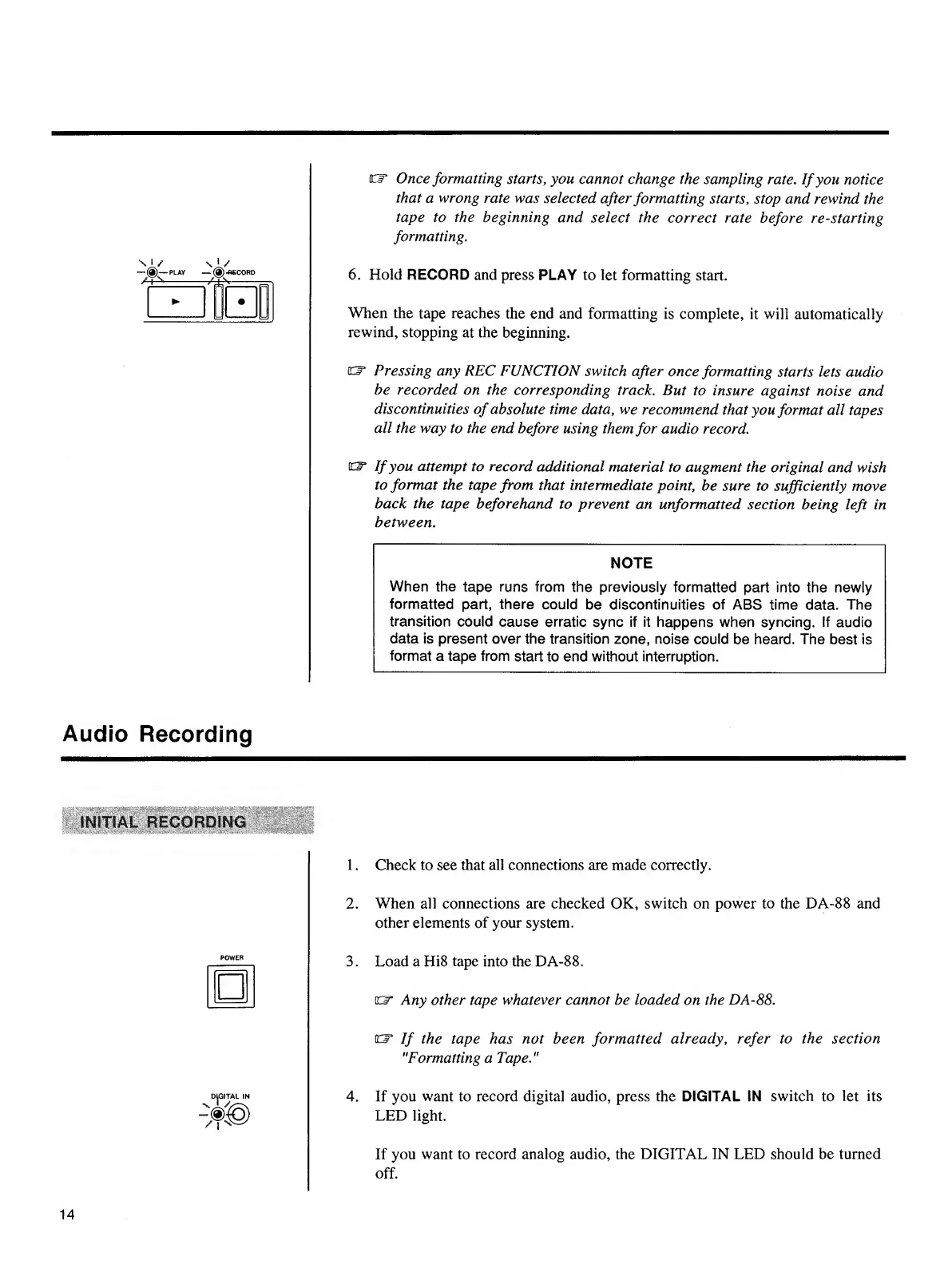
6.
Hold
RECORD
and
press
PLAY
to
let
formatting
start.
When
the
tape
reaches
the
end
and
formatting
is
complete,
it
will
automatically
rewind,
stopping
at
the
beginning.
ter
Pressing
any
REC
FUNCTION
switch
after
once
formatting
starts
lets
audio
be
recorded
on
the
corresponding
track.
But
to
insure
against
noise
and
discontinuities
of
absolute
time
data
,
we
recommend
that
you
format
all
tapes
all
the
way
to
the
end
before
using
them
for
audio
record
.
O*
If
you
attempt
to
record
additional
material
to
augment
the
original
and
wish
to
format
the
tape
from
that
intermediate
point,
be
sure
to
sufficiently
move
back
the
tape
beforehand
to
prevent
an
unformatted
section
being
left
in
between
.
NOTE
When
the
tape
runs
from
the
previously
formatted
part
into
the
newly
formatted
part,
there
could
be
discontinuities
of
ABS
time
data.
The
transition
could
cause
erratic
sync
if
it
happens
when
syncing.
If
audio
data
is
present
over
the
transition
zone,
noise
could
be
heard.
The
best
is
format
a
tape
from
start
to
end
without
interruption.
Audio
Recording
INITIAL
RECORDIN
1.
Check
to
see
that
all
connections
are
made
correctly.
2.
When
all
connections
are
checked
OK,
switch
on
power
to
the
DA-88
and
other
elements
of
your
system.
3.
Load
a
Hi8
tape
into
the
DA-88.
o*
Any
other
tape
whatever
cannot
be
loaded
on
the
DA-88.
EF
If
the
tape
has
not
been
formatted
already
,
refer
to
the
section
"Formatting
a
Tape."
4.
If
you
want
to
record
digital
audio,
press
the
DIGITAL
IN
switch
to
let
its
LED
light.
14
If
you
want
to
record
analog
audio,
the
DIGITAL
IN
LED
should
be
turned
off.

Other manuals for Tascam DA-88

Related product manuals