EasyManua.ls Logo

Tascam DA-88 - Playback Operations

Tascam DA-88
26 pages
Print Icon
To Next Page IconTo Next Page
To Previous Page IconTo Previous Page
Loading...
5.
Check
to
see
that
VARI
SPEED
is
NOT
activated.
If
its
LED
is
on,
turn
it
off
by
pressing
the
switch.
6.
Select
the
track
or
tracks
to
record
on
by
pressing
their
REC
FUNCTION
switch.
7.
If
you
intend
to
record
analog
audio,
let
the
source
start
playing,
and
adjust
its
output
level
controls
until
the
DA-88’s
meter
peaks
at
the
reference
level
of
”0".
If
the
OVER
indicator
lights,
it
shows
distortion
occurred.
If
you
intend
to
record
digital
audio,
no
level
adjustment
is
required.
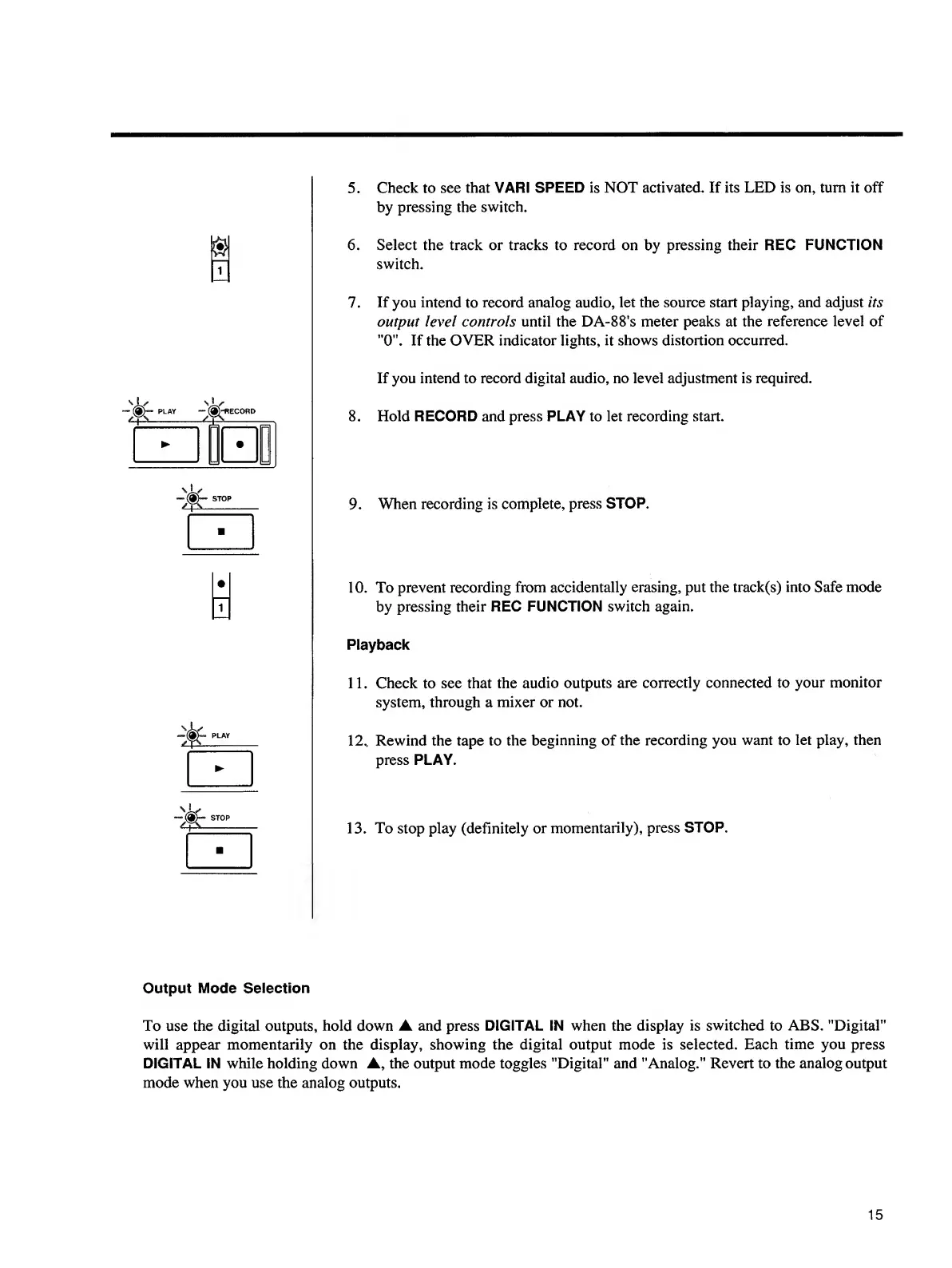
8.
Hold
RECORD
and
press
PLAY
to
let
recording
start.
9.
W
hen
recording
is
complete,
press
STOP.
i
10.
To
prevent
recording
from
accidentally
erasing,
put
the
track(s)
into
Safe
mode
by
pressing
their
REC
FUNCTION
switch
again.
Playback
11.
Check
to
see
that
the
audio
outputs
are
correctly
connected
to
your
monitor
system,
through
a
mixer
or
not.
12.,
Rewind
the
tape
to
the
beginning
of
the
recording
you
want
to
let
play,
then
press
PLAY.
13.
To
stop
play
(definitely
or
momentarily),
press
STOP.
Output
Mode
Selection
To
use
the
digital
outputs,
hold
down
and
press
DIGITAL
IN
when
the
display
is
switched
to
ABS.
"Digital"
will
appear
momentarily
on
the
display,
showing
the
digital
output
mode
is
selected.
Each
time
you
press
DIGITAL
IN
while
holding
down
,
the
output
mode
toggles
"Digital"
and
"Analog."
Revert
to
the
analog
output
mode
when
you
use
the
analog
outputs.
15

Other manuals for Tascam DA-88

Related product manuals