EasyManua.ls Logo

Tascam DA-88 - Punch-in Trigger Methods; Record Triggered Punch-in; Footswitch Triggered Punch-in

Tascam DA-88
26 pages
Print Icon
To Next Page IconTo Next Page
To Previous Page IconTo Previous Page
Loading...
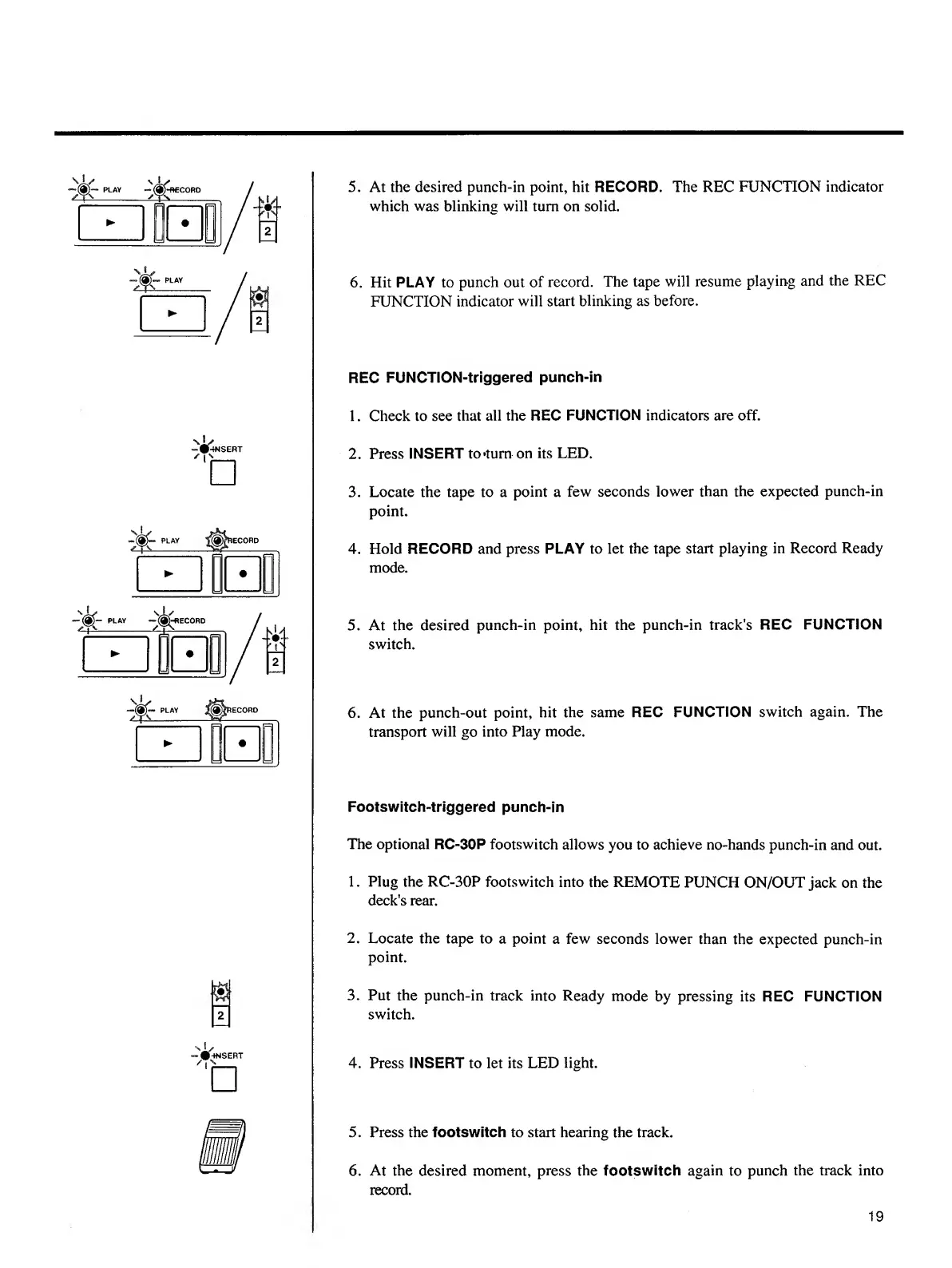
5.
At
the
desired
punch-in
point,
hit
RECORD.
The
REC
FUNCTION
indicator
which
was
blinking
will
turn
on
solid.
6.
Hit
PLAY
to
punch
out
of
record.
The
tape
will
resume
playing
and
the
REC
FUNCTION
indicator
will
start
blinking
as
before.
REC
FUNCTION-triggered
punch-in
1.
Check
to
see
that
all
the
REC
FUNCTION
indicators
are
off.
2.
Press
INSERT
to»tum
on
its
LED.
3.
Locate
the
tape
to
a
point
a
few
seconds
lower
than
the
expected
punch-in
point.
4.
Hold
RECORD
and
press
PLAY
to
let
the
tape
start
playing
in
Record
Ready
mode.
5.
A
t
the
desired
punch-in
point,
hit
the
punch-in
track’s
REC
FUNCTION
switch.
6.
A
t
the
punch-out
point,
hit
the
same
REC
FUNCTION
switch
again.
The
transport
will
go
into
Play
mode.
Footswitch-triggered
punch-in
The
optional
RC-30P
footswitch
allows
you
to
achieve
no-hands
punch-in
and
out.
1.
Plug
the
RC-30P
footswitch
into
the
REMOTE
PUNCH
ON/OUT
jack
on
the
deck's
rear.
2.
Locate
the
tape
to
a
point
a
few
seconds
lower
than
the
expected
punch-in
point.
3.
Put
the
punch-in
track
into
Ready
mode
by
pressing
its
REC
FUNCTION
switch.
4.
P
ress
INSERT
to
let
its
LED
light.
5.
Press
the
footswitch
to
start
hearing
the
track.
6.
At
the
desired
moment,
press
the
footswitch
again
to
punch
the
track
into
record.
19

Other manuals for Tascam DA-88

Related product manuals