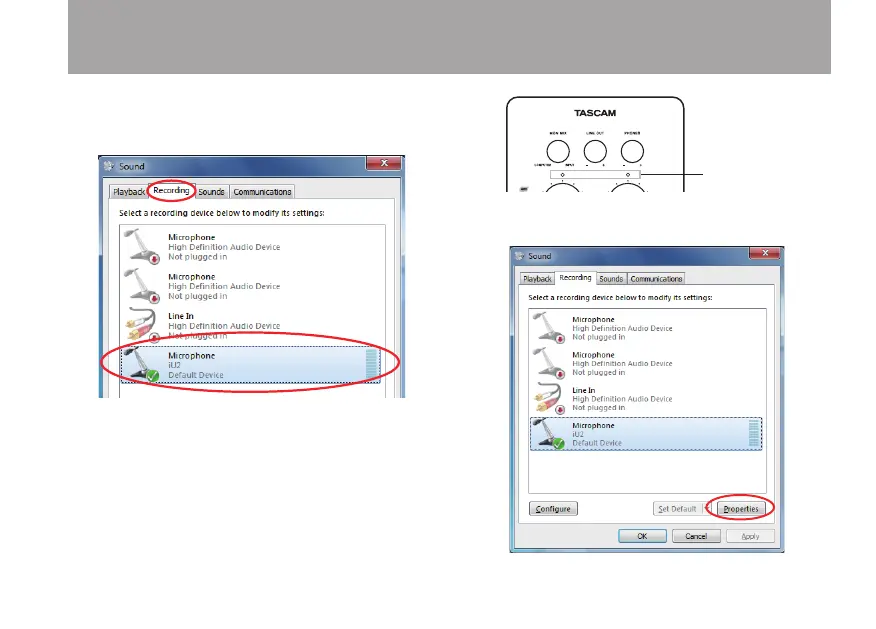
4 Click the Recording tab, click Microphone iU2, and then
click Set Default. The green checkmark is moved to
Microphone iU2.
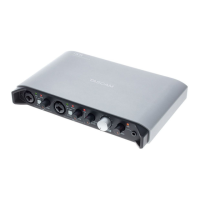
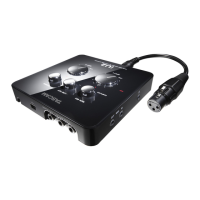
5 To adjust the input levels, use the INPUT L and INPUT
R knobs on the top of the unit. When using a computer
running Windows 7 (32/64-bit) or Windows Vista (32-
bit), you can also adjust the level from the Levels tab of
the Microphone Properties window. Adjust them so that
the overload indicators (L and R) do not light.
Open the Recording tab of the Sound Control Panel, and
then click Properties at the bottom right of the window.
4 – Application Guide


 To Next Page