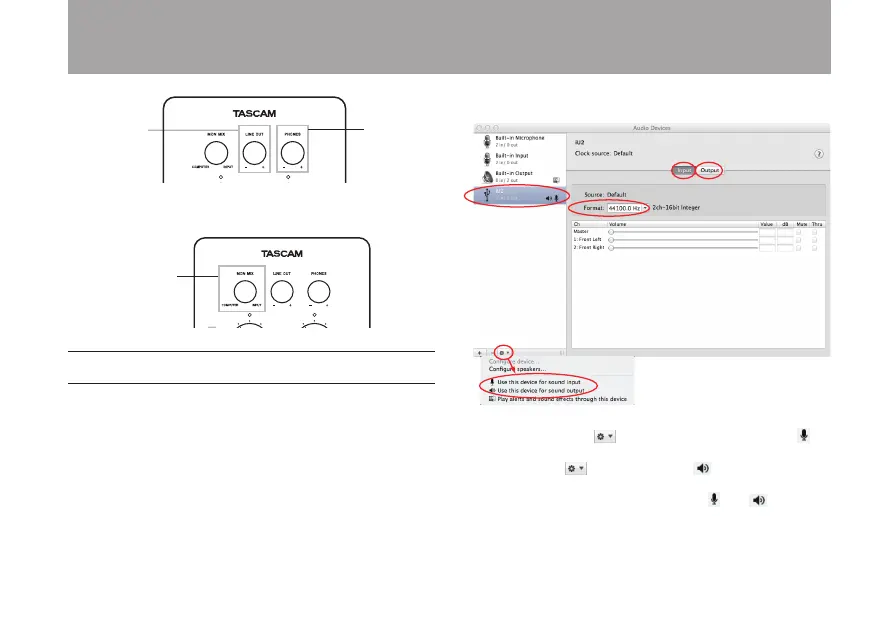
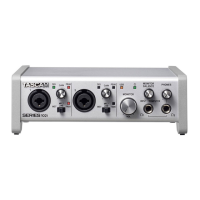
6 Use the MON MIX knob to adjust the volume balance
between the computer and input signals.
Mac OS X
1 Open the Utilities folder, which is inside the Applications
folder, and double-click Audio MIDI Setup to launch it.
2 Click the Audio Devices tab.
When using Mac OS X 10.7.2/10.6.8 •
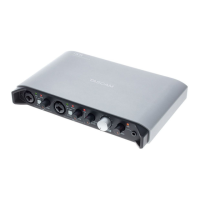
As shown above, after clicking iU2 on the left side to
select it, click the to open the menu and select
Use this device for sound input to set the iU2 as the input
device. Click again and select Use this device for
sound output to set the iU2 as the output device. When
these settings have been made, the and will
appear next to iU2 in this window.
4 – Application Guide


 To Next Page