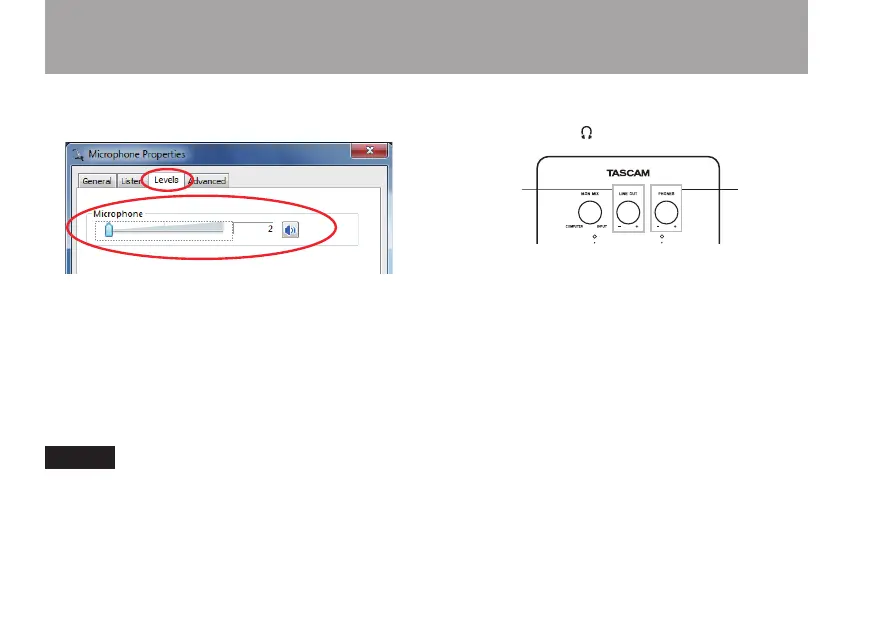
This opens the Microphone Properties window.
Click the Levels tab.
Windows 7 32-bit example
On the Levels tab of the Microphone Properties screen, set
Microphone to the standard recording level according to
the operating system as follows.
Windows 7 32-bit: 2/100
Windows 7 64-bit: 3/100
Windows Vista 32-bit: 25/100
Setting the level higher than this could result in the
sound being distorted.
NOTE
If using Windows Vista 64-bit, the level cannot be set using the
computer. It can only be set by the iU2.
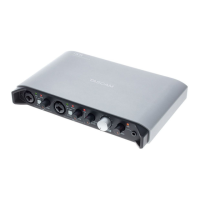
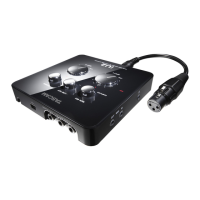
6 To adjust the output level, use the LINE OUT and
PHONES knobs on the top panel of this unit.
These settings adjust the level output from the analog line
output (LINE OUT L and LINE OUT R) connectors and
headphone output ( ) jack.
Open the Playback tab of the Sound Control Panel and
click Properties at the bottom right of the window.
4 – Application Guide


 To Next Page