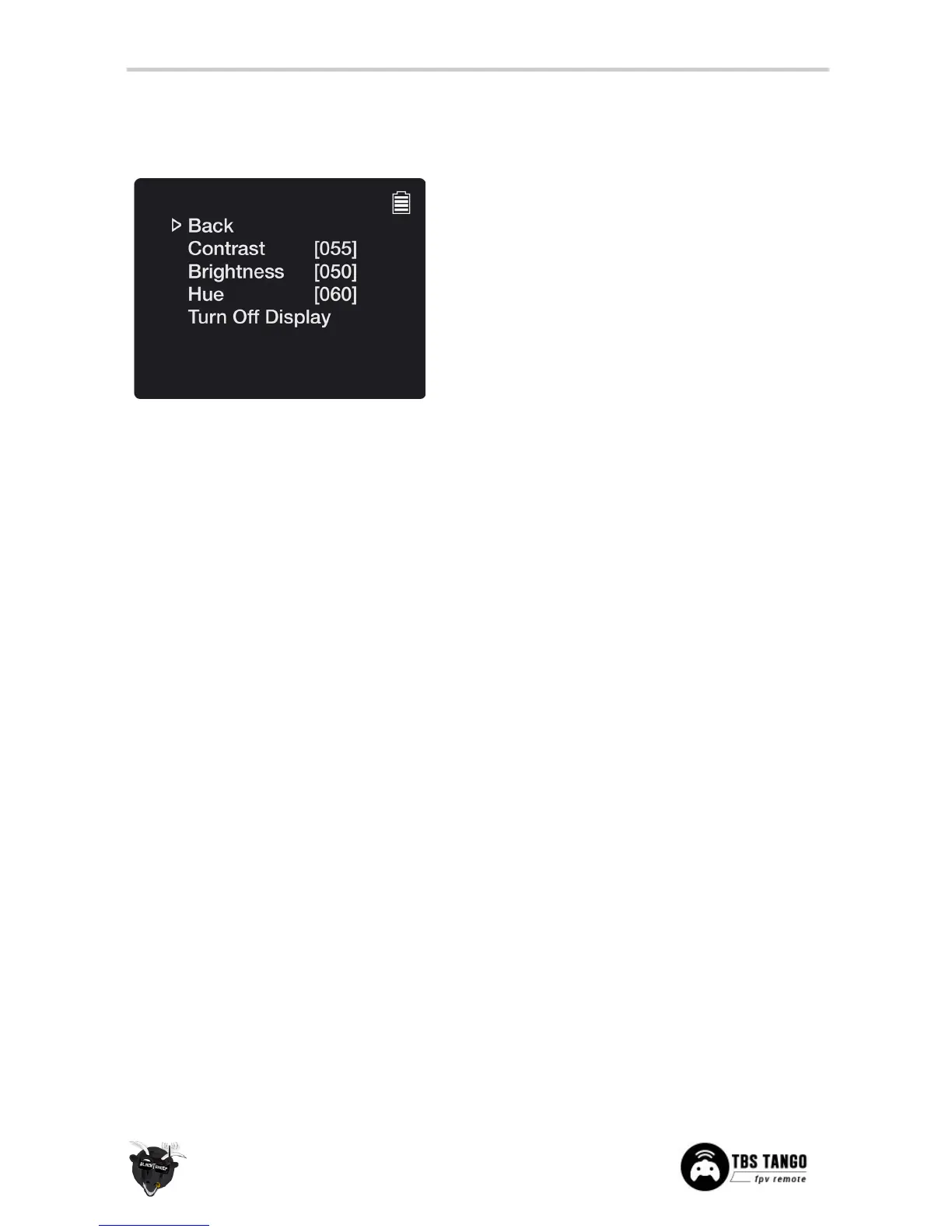
Adjust the video display parameters on the remote
• Back - Return to previous menu
• Contrast
[055, 0 to 99]
- Tune the contrast
• Contrast
[050, 0 to 99]
- Tune the brightness
• Hue
[060, 0..99]
- Tune the color hue
• Turn Off Display - Shut off the display when
using goggles or just the remote control, not
the video receiver portion. Can be switched
back on by long pressing the UP-button (VRX
controls).


 To Next Page