Connecting goggles
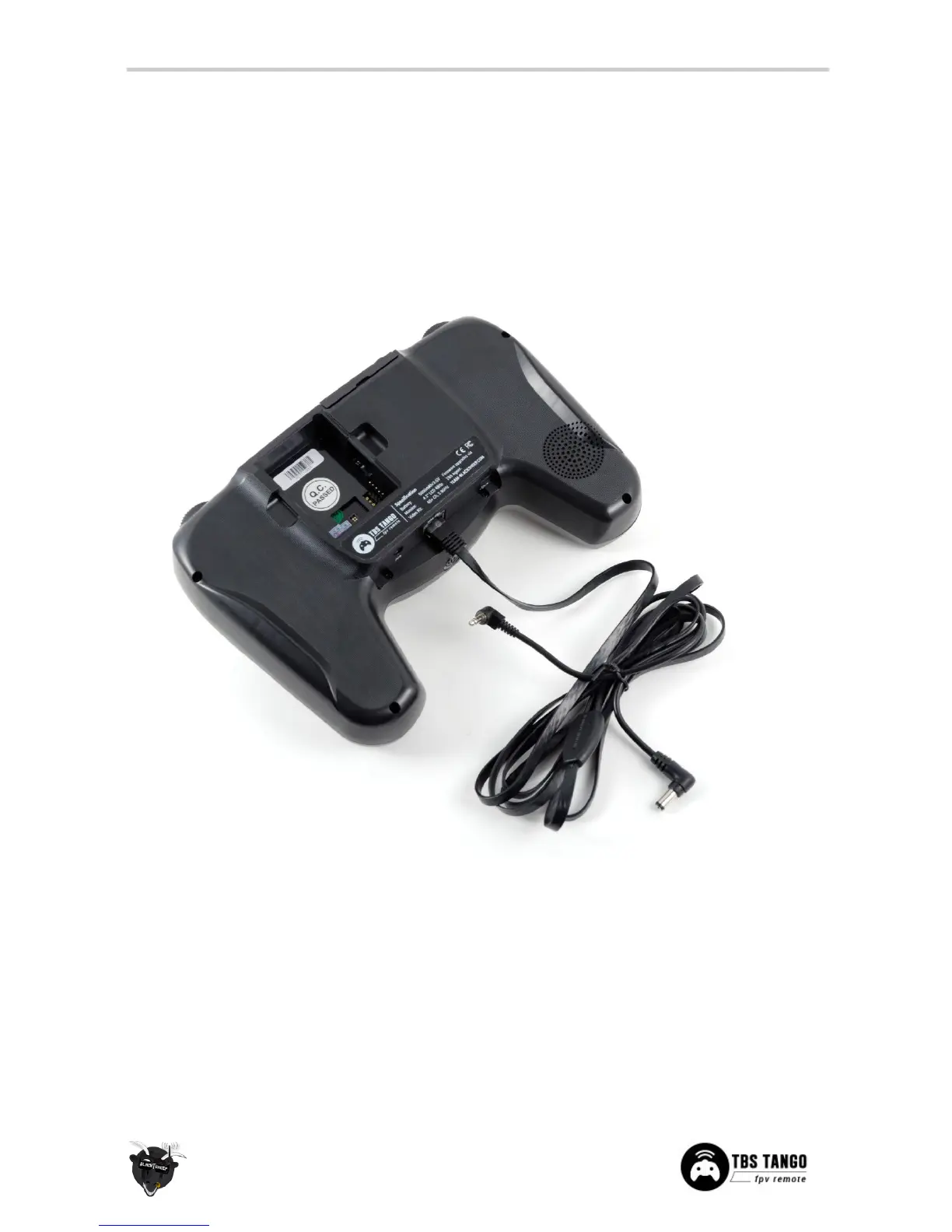
If you like to use FPV goggles, these can be connected to the remote using a special custom flat CAT5
goggle-cable (provided). The cable carries both video and power to compatible Fatshark-video goggles.
If you like to turn off the LCD display while using the goggles, enter the configuration menu and go to the LCD
Display Turn Off Display option. You can turn on the display again for spectators by long pressing the→
UP-button (VRX controls).


 To Next Page