Usage
Changing video receiver frequency
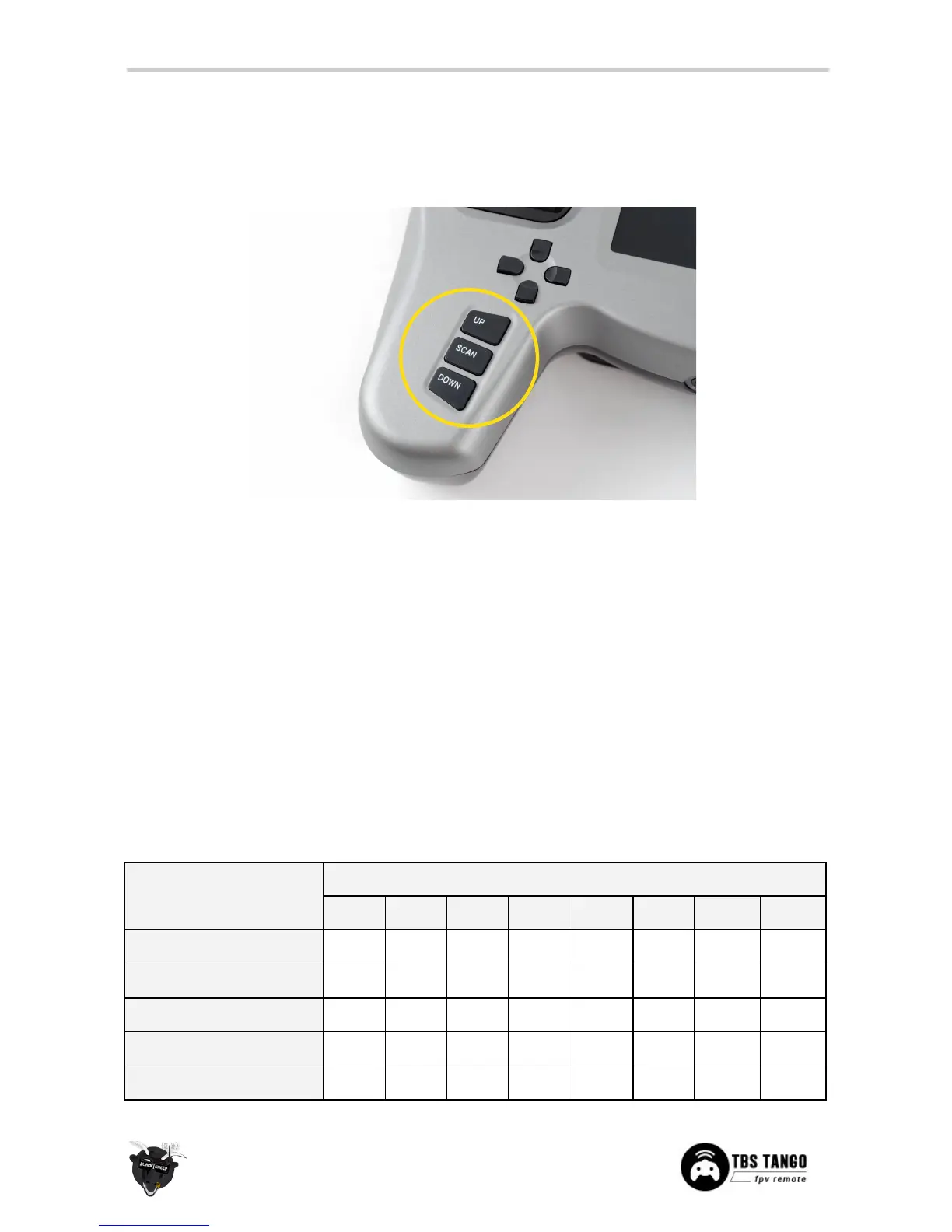
Use the “SCAN”, “UP”, or “DOWN” buttons on the left-hand side to change the video receiver frequency.
UP-button
• Long press - Reset the video RX channel to the Home-channel (changed in the configuration menu)
• Short press - Jump to the next video RX channel, sequence Band A Band B Band E Airwave→ → →
Race→
SCAN-button
• Long press - Automatically scan the current video RX band for active channels
• Short press - Automatically scan all video RX bands for active channels
DOWN-button
• Long press - Bring up a menu to specifically set a MHz frequency to be on.
• Short press - Jump back to the previous video RX channel, sequence Race Airwave Band E → → →
Band B Band A→
The receiver frequency bands are listed in the following table.



 To Next Page