5
Chapter 2. Get started
First Time Using - Activation
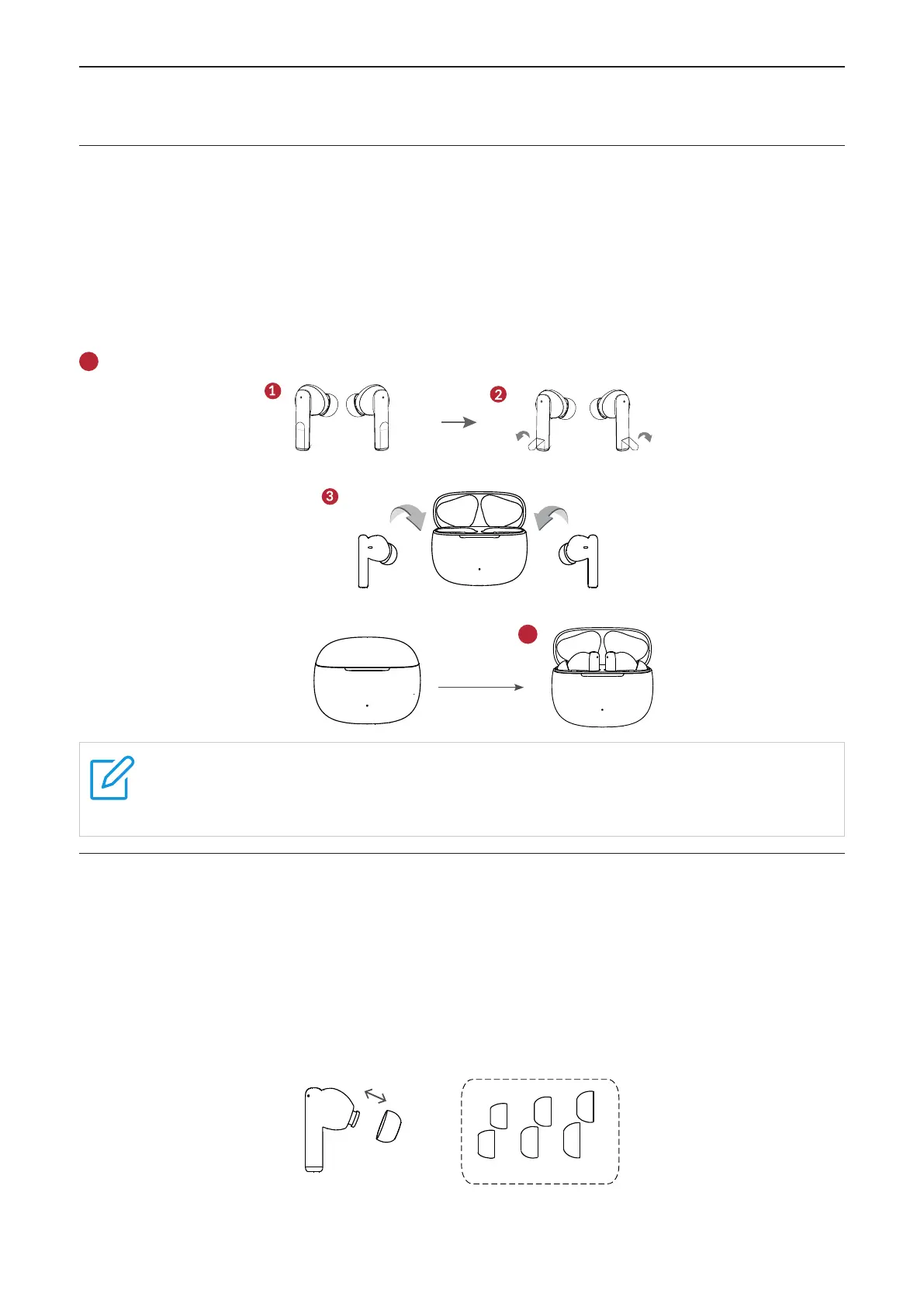
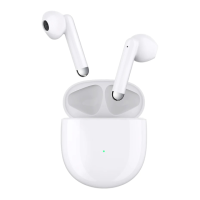
Follow these steps to activate your earphone for the first time using.
❶
Take out the earbuds from the charging case.
❷
Peel off the insulation tape on the earbuds.
❸
Place the earbuds in the charging case.
❹
Close the charging case, the LED indicator will turn off.
5
Open the case to complete the activation.
❹
5
Note
If earbuds cannot be activated successfully, please charge it for a while and then
repeat the activation process again.
Replace ear tips
To get the most use and enjoyment out of your earbuds, select the most comfortable tips for
your ears.
To replace an ear tip, follow these steps:
1. Pull firmly to remove the tip.
2. Choose a new tip.
3. Align the new tip with the earbud, then push until it clicks.
S M L


 To Next Page