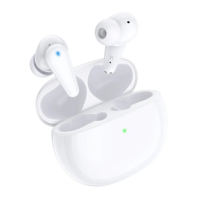
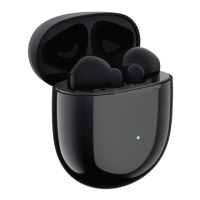
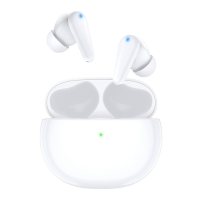
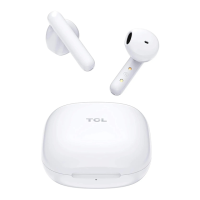
6
Note
For more tip sizes, see inside the box.
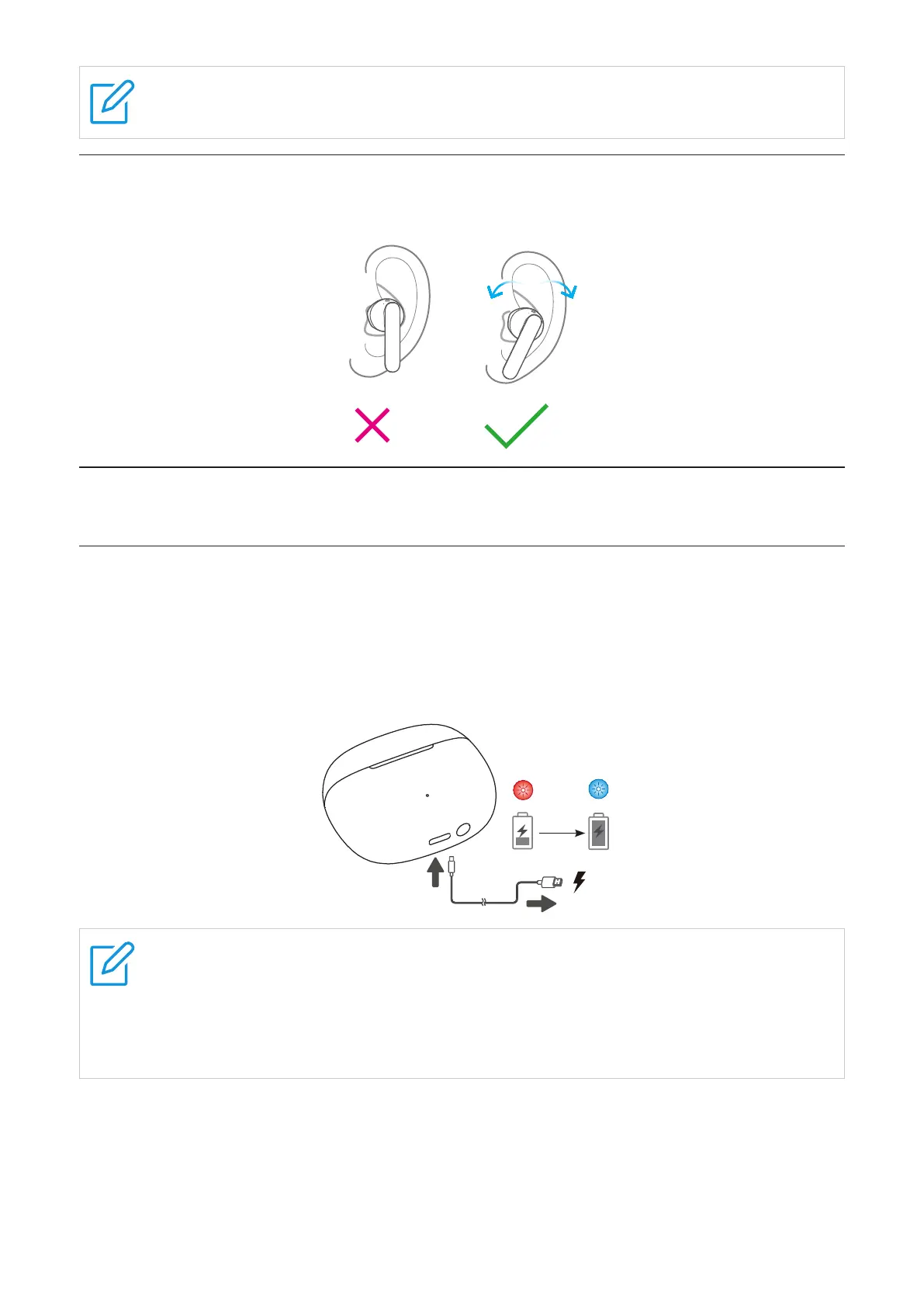
Wear the earphones
Put on the earphone, twist it to the proper position and fix it.
Chapter 3. Charging
Charge the case
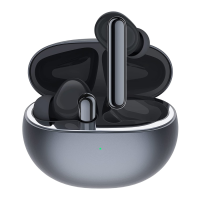
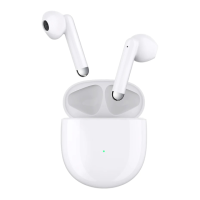
Charging case
To charge the charging case, connect the case to a computer or a compatible USB adaptor
with the supplied USB Type-C cable.
The LED indicator flashes in red when charging, and flashes in blue when charging is complete.
1.5H
Notes
•It takes approximately 1.5 hours to fully charge the case using the supplied USB
Type-C cable. The charging time may vary depending on the battery usage
conditions.
•Use only the supplied USB charging cable for charging to prevent product damage.
Earbuds
Your charging case is a charger. To charge your earbuds, place the earbuds in the case, then
close the lid. The case LED indicator flashes in blue for 3 seconds when charging starts.


 To Next Page
 Loading...