12
Basic Operation 2
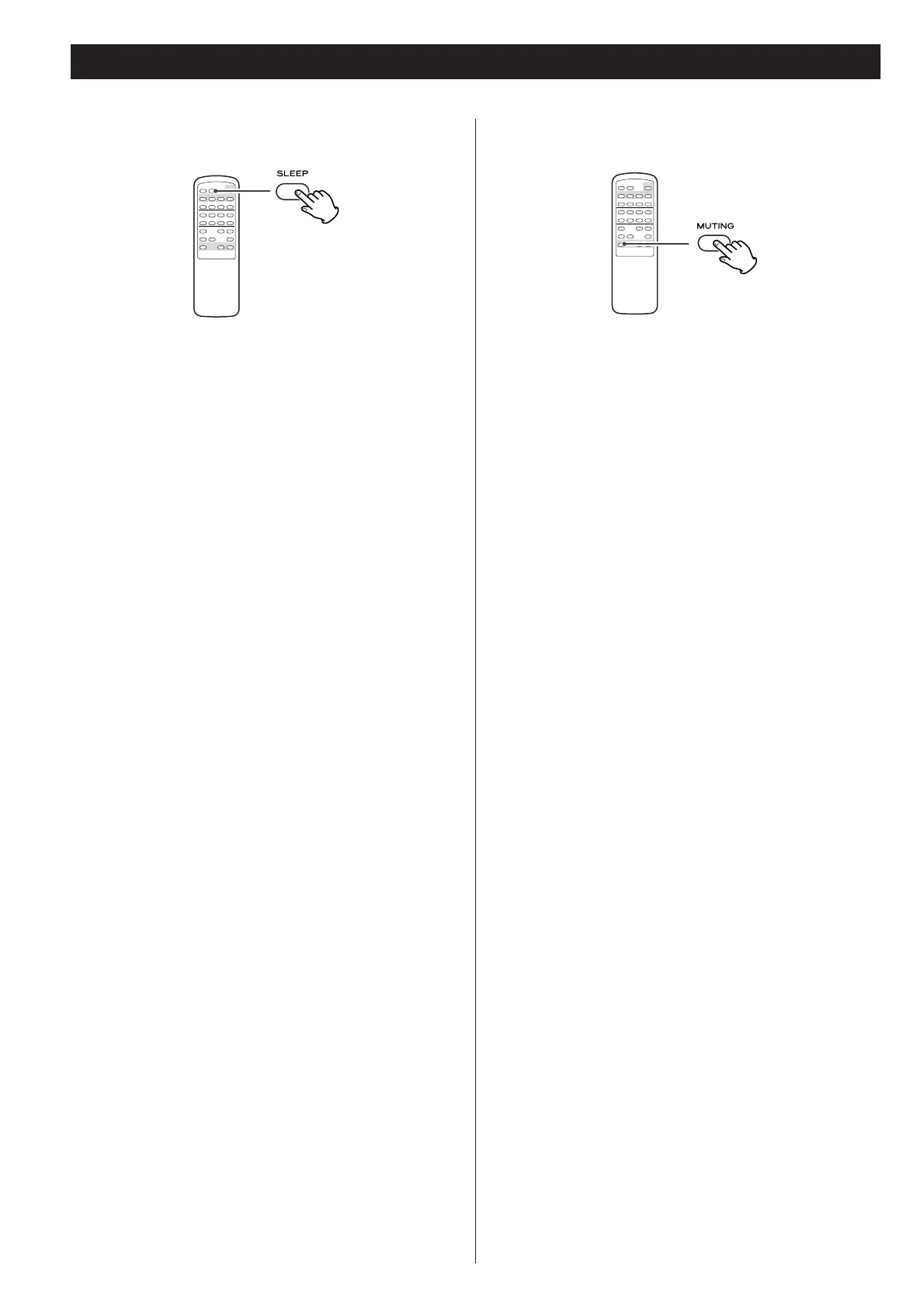
The power can be switched to standby after a specified amount
of time.
Press the SLEEP button repeatedly until desired time appears on
the display.
The sleep time can be changed in steps of 10 minutes.
SLEEP 90 (80, 70...or 10)
The SLEEP indicator lights, and the power will be switched to
standby 90 (80, 70...or 10) minutes later.
Normal display
Sleep timer is off.
<
When you set the sleep timer, the display is dimmed.
<
If you want to check the remaining time, press the SLEEP
button once. The remaining time will be displayed for about 3
seconds, and return to the normal display.
To mute the sound temporarily, press the MUTING button.
Press the MUTING button again to restore the sound.
<
While muting is engaged, the MUTING indicator blinks.
Sleep Timer Muting



 To Next Page