14
Preset Tuning
2. Press the MEMORY SCAN button of the remote control
unit.
The preset channels stored in memory are scanned at 5
seconds intervals. When the station you want to listen to is
found, press the MEMORY SCAN button again to stop
scanning.
<
A preset channel with no signal will be skipped.
Manual Memory Presetting
You can store FM and AM stations from Channel 1 to 30
respectively.
Tune in a station you want to listen to (see steps to
of page 13).
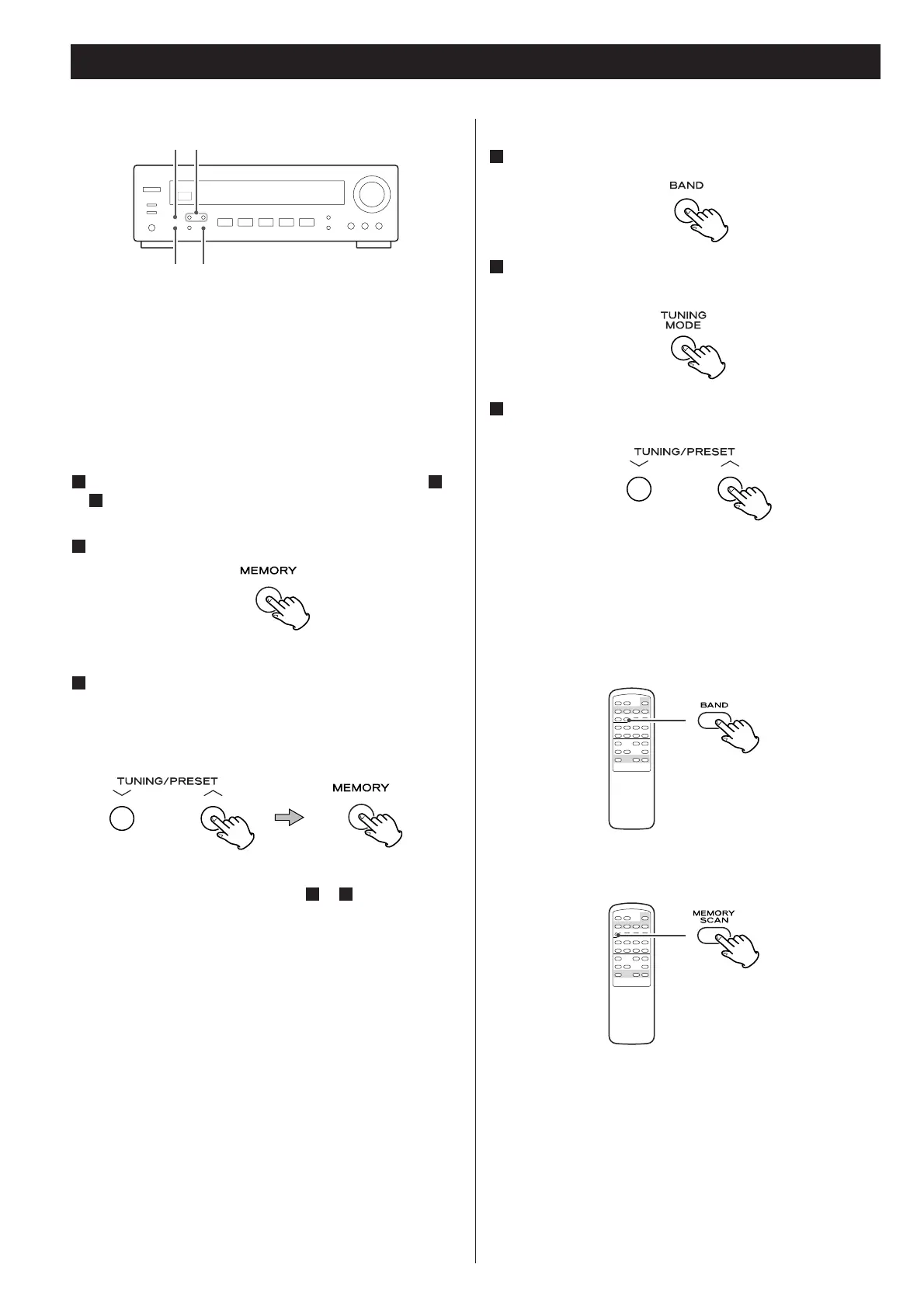
Press the MEMORY button.
2
4
11
How to select preset stations
Select AM or FM by pressing the BAND button.
1
Memory Scan
1. Select AM or FM by pressing the BAND button.
To store more stations, repeat steps to .
31
While the “MEMORY” indicator is blinking, select a
preset channel to store the station using the
TUNING/PRESET buttons, and then press the MEMORY
button.
3
If “CH” indicator is not lit, press the TUNING MODE
button to select the preset tuning mode.
2
Select a preset channel using the TUNING/PRESET
buttons.
3



 To Next Page