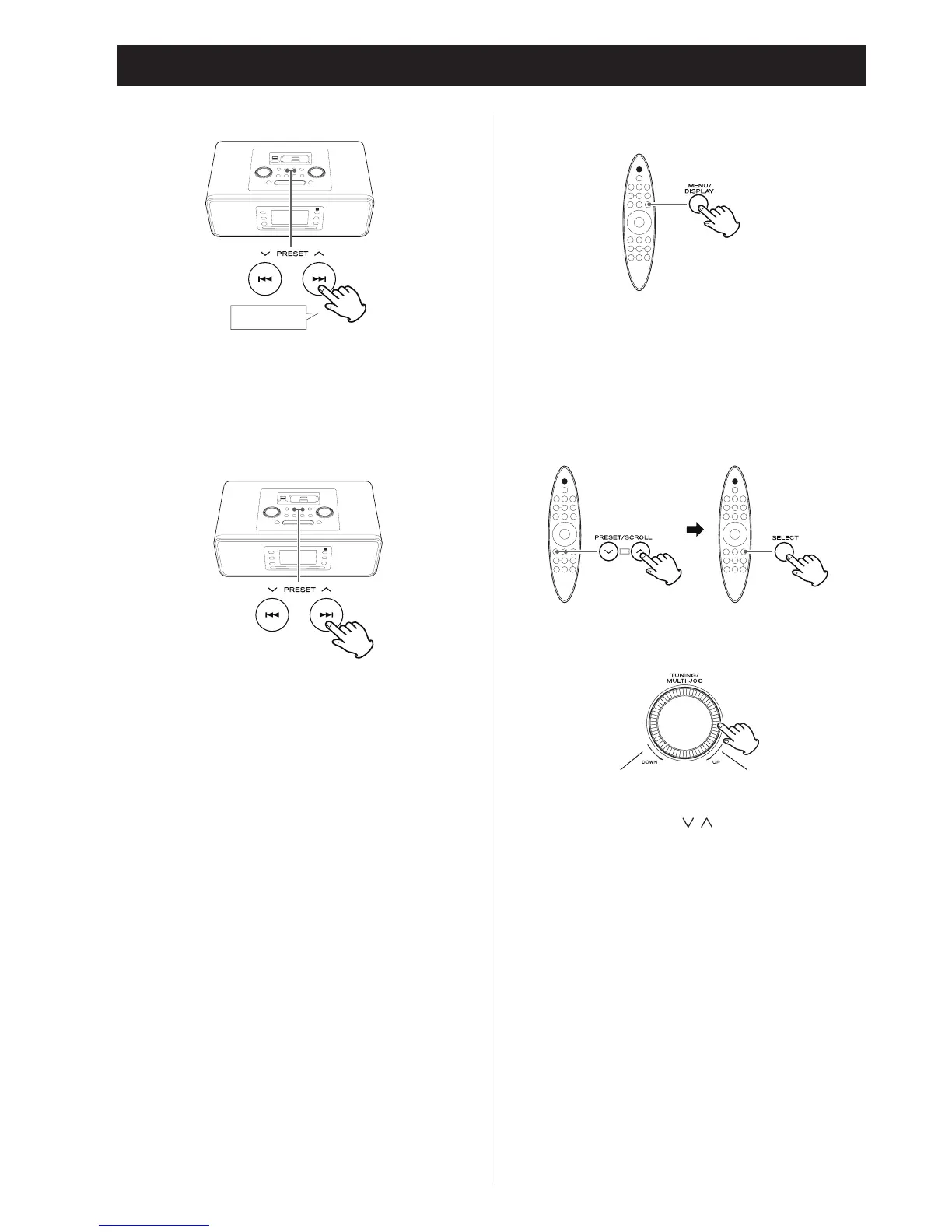
Search for a part of a track
During playback, hold down a Search but ton (. or /)
for more than 2 seconds to search a song.
Release it when you find the part you want to hear.
To skip to the next or previous track.
During playback , press the Skip buttons (. // )
repeatedly until you find the desired song.
The selected song will be played from the beginning.
•
If
the . button is pressed once during playback, the song
currently being played will be played from the beginning. To
return to the beginning of the previous song, press the .
button twice.
Listening to an iPod or iPhone (2)
Returning to the previous menu
Press the MENU button. This button has the same functions
as its iPod/iPhone counterpart.
Select the a menu item
Press the SCROLL buttons ( / ) to scroll to the menu item
you want, and then press the SELECT button.


 To Next Page