21
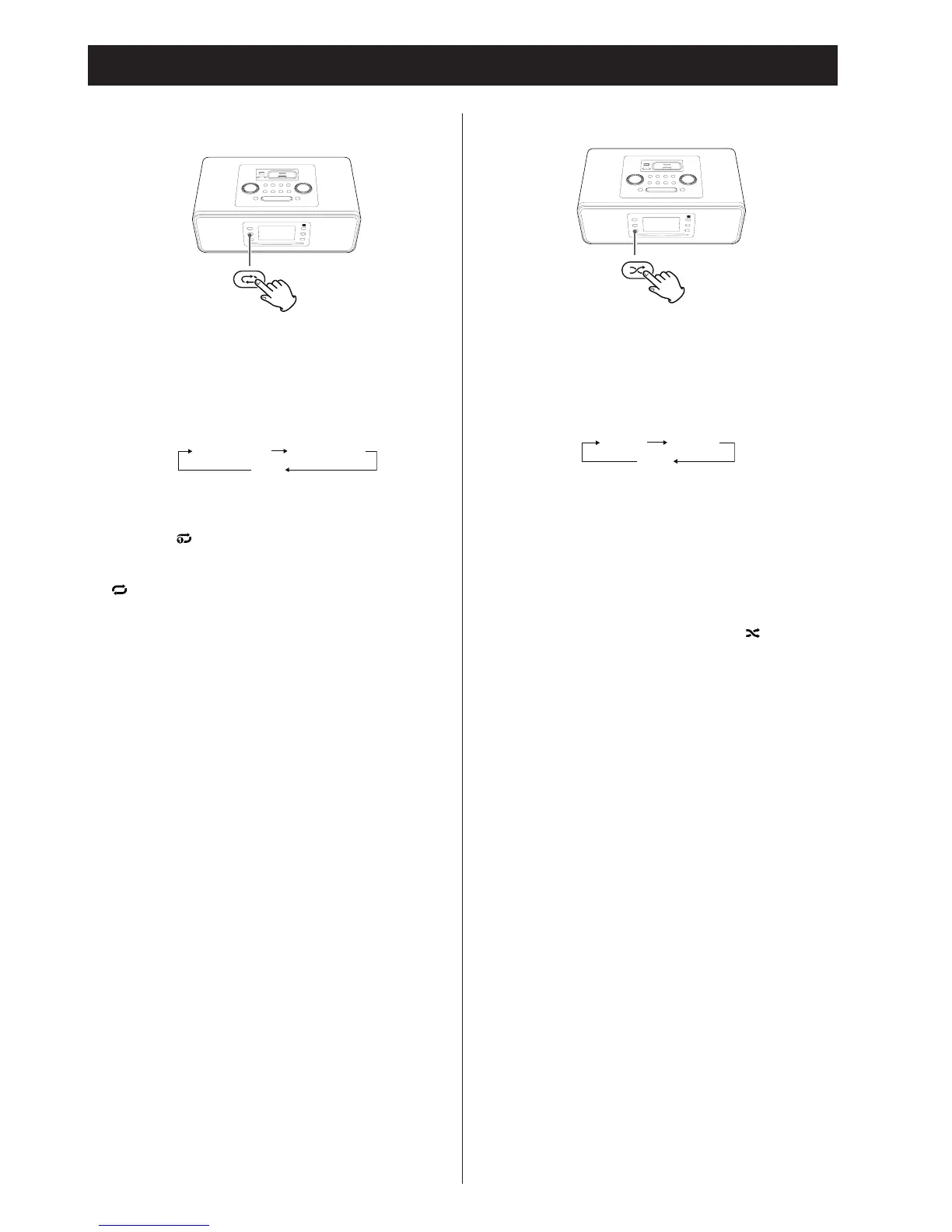
Activating the repeat mode
During playback, press the REPEAT button to change the
repeat mode.
Each time the REPEAT button is pressed, the iPod REPEAT
setting changes as follows:
REPEAT ONE REPEAT ALL
(OFF)
• If you select “REPEAT ONE” to play only one song, the repeat
once icon (
) appears on the iPod/iPhone’s display.
• If you select “REPEAT ALL” to play all songs, the repeat icon (
) appears on the iPod/iPhone’s display.
Activating the shuffle mode
During playback, press the SHUFFLE button to change the
shuffle mode.
Each time the SHUFFLE button is pressed, the iPod SHUFFLE
setting changes as follows:
• If you select “SONG”, the iPod/iPhone shuffles songs within
the list you choose to play.
• If
you select “ALBUM”, the iPod/iPhone plays all the songs
on an album in order, and then randomly selects another
album in the list and plays through it in order.
• During
shuffle playback, the shuffle icon (
) appears on
the iPod/iPhone’s display.


 To Next Page