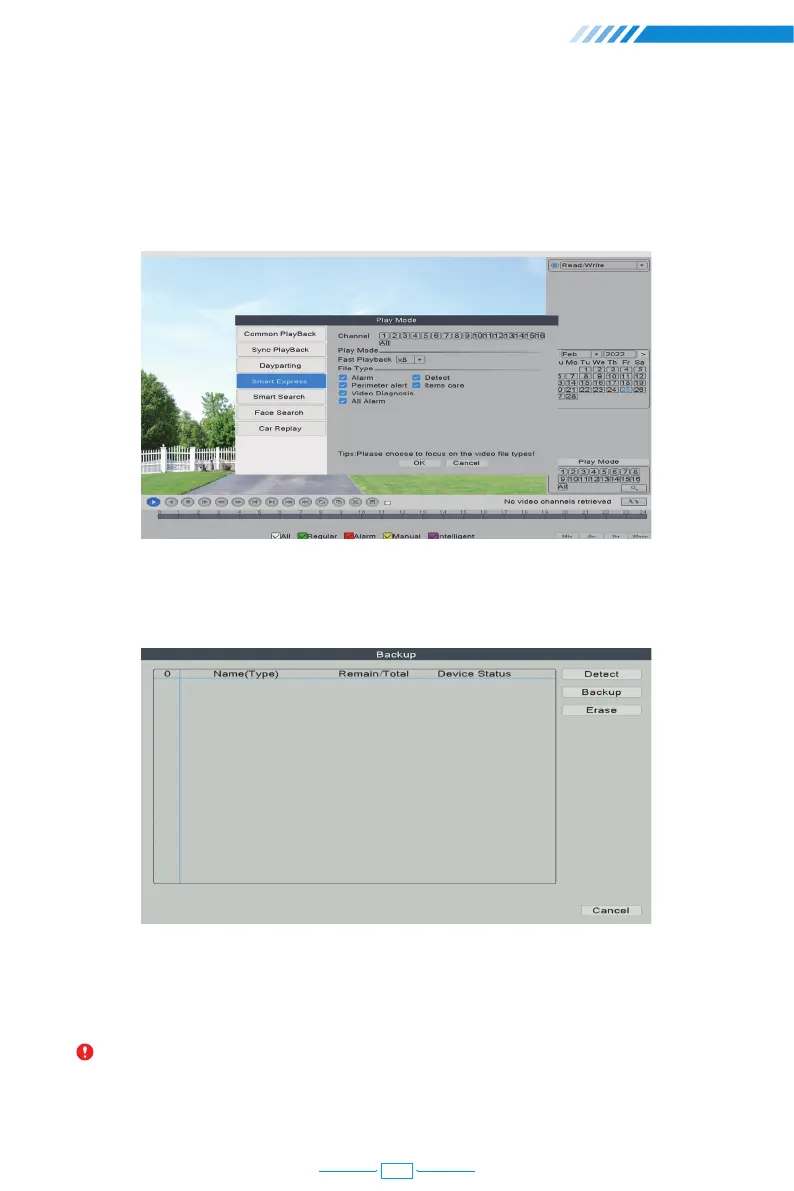
Click the "Smart Express", you can choose different alarm type files for fast playback.
Click the "Smart Search", all recorded videos, which detected motions or humans will be displayed.
Click the "Face Search", all recorded videos, which detected human faces will be displayed.
Click the "Car Replay", all recorded videos, which detected vehicles will be displayed.
2.6 Video Backup
Right click the mouse→【Main Menu】→【System】→【Backup】
Choose 【Video Type】→【Channel】→【Time】, clicking Add button to search video file,
choosing the file in the list, clicking Start button to backup and it will automatically
prompt after backup completed.
Notice: USB disk must be FAT32 format. Please choose AVI format while backup, so
that the backup video could be played on PC directly.
09



 To Next Page