[Modify Pwd] Enter to Modify Password page, and modify password.
[Add User] Add User account and set up the User's permissions. Enter the Add User page
and input the User Name and Password.
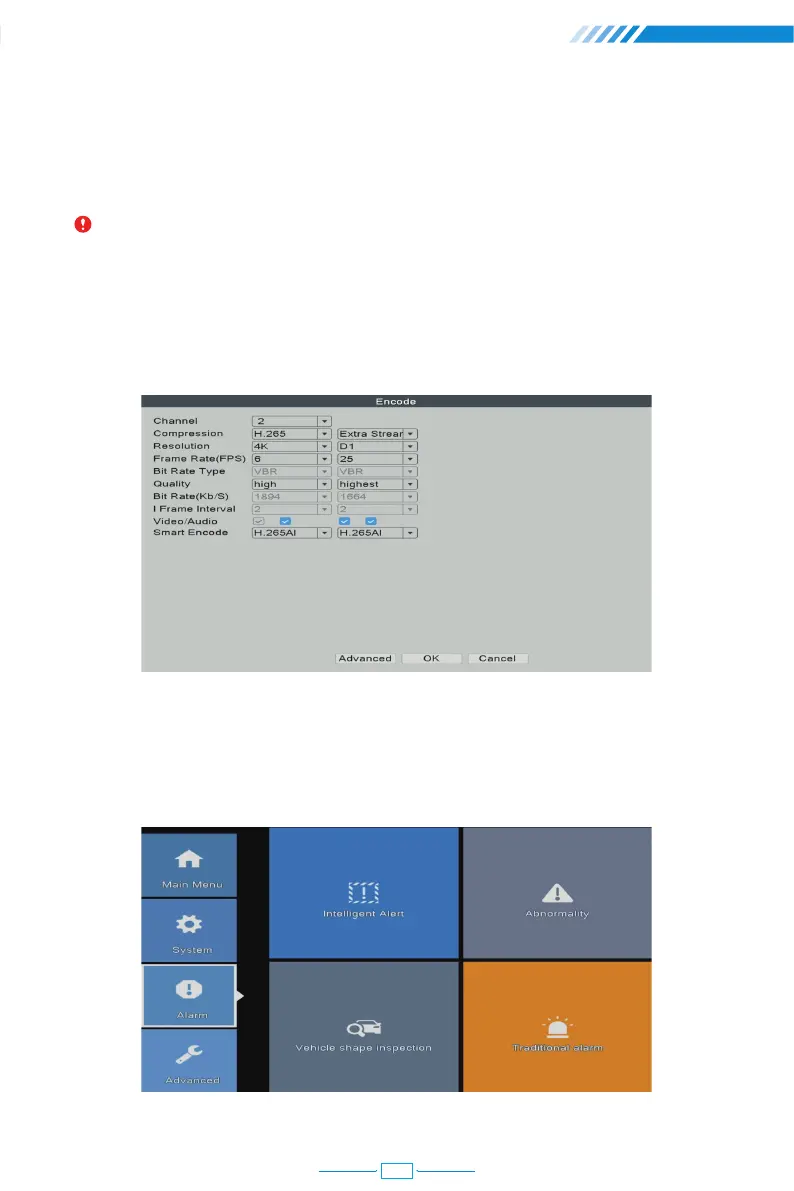
[Video/Audio] Tick four blanks to show the file for streaming video and audio.
Right click the mouse→【Main Menu】→【Alarm】
Notice: Password can be setup as number+letter combination, please record your
password in other ways and keep it in a safe place to avoid forgetting.
2.12 Audio Setting
2.13 Alarm
Right click the mouse→【Main Menu】→【System】→【Encode】
06
16



 To Next Page