2.13.3 Advanced Settings of Vehicle Detection
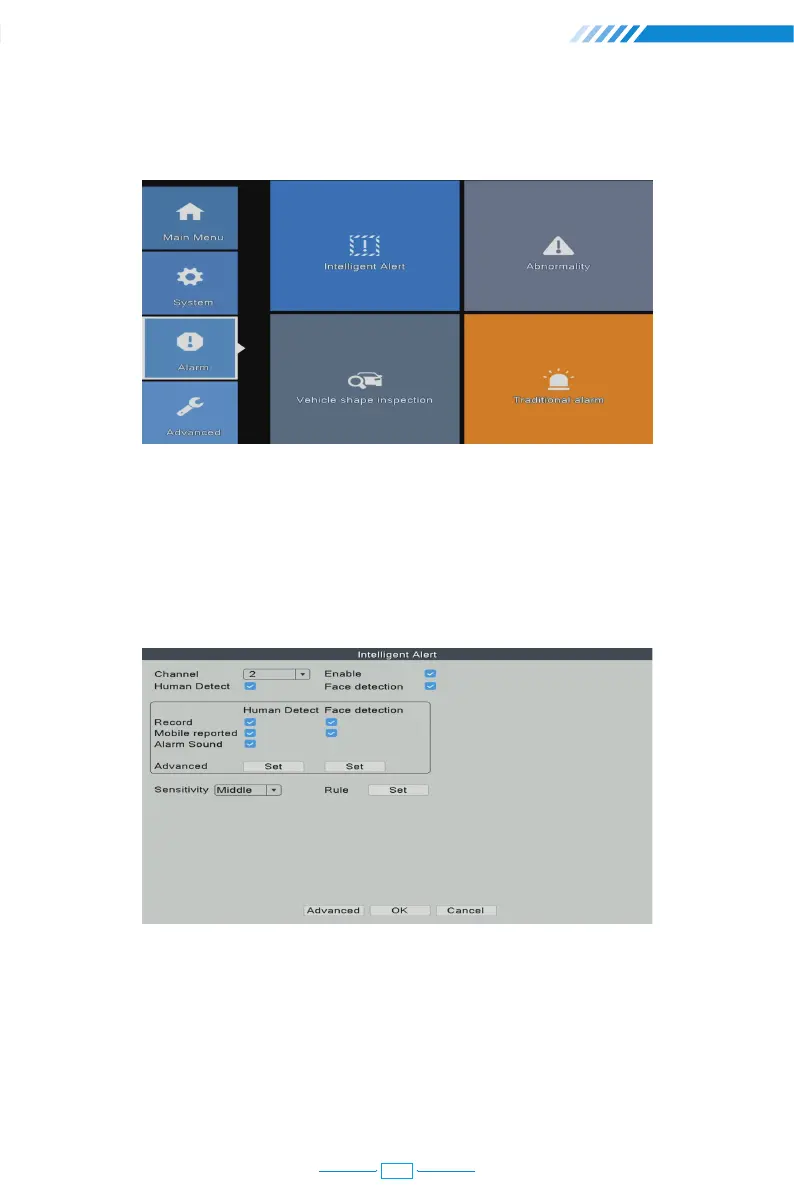
Right click the mouse→【Main Menu】→【Alarm】→【Vehicle shape inspection】
2.13.4 Advanced Settings of Safe Zone & Line Cross Alarm
You can set up a safe zone for camera. The camera will only detect or make alarm sound
when there are abnormal activities in the safe zone.
Right click the mouse→【Main Menu】→【Alarm】→【Intelligent Alert】→【Rule Set】
Choose the safe zone shape which you would like to use. In this user manual, we use
rectangle as example.
20



 To Next Page