You can also choose different notification types:
[Show Message] The error message will show on the monitor screen.
[Alarm] Shutdown: It means to turn off all alarm sounds.
Voice Prompts: You can select to turn on different alarm sounds.
[Mobile reported] The NVR will send error message to the App.
[Send Email] The NVR will send error message to your e-mail address.
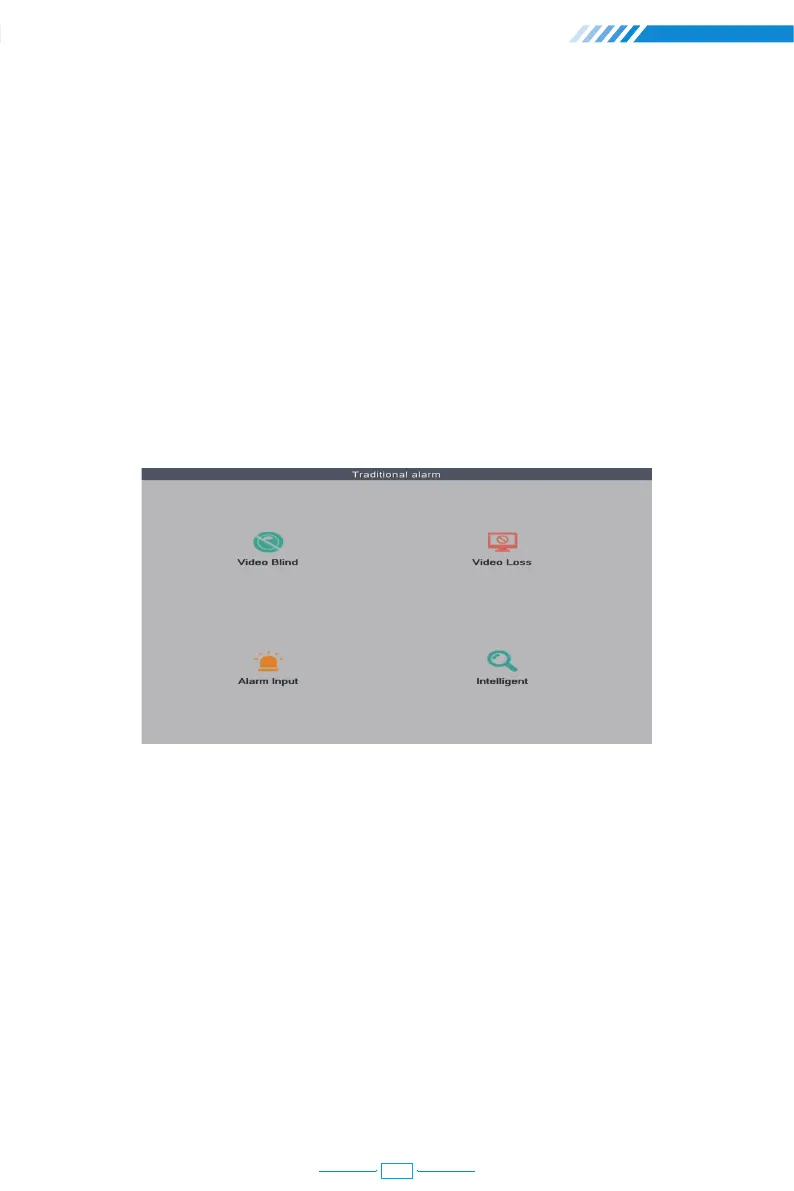
2.13.6 Traditional Alarm Setting
Right click the mouse→【Main Menu】→【Alarm】→【Traditional alarm】, in this part, you
can adjust the settings for other alarm types.
[Video Blind] The camera is covered and blinded.
[Video Loss] The camera loses connection with the NVR.
[Alarm Input] The alarm input from the cameras.
[Intelligent] Not applicable.
23



 To Next Page