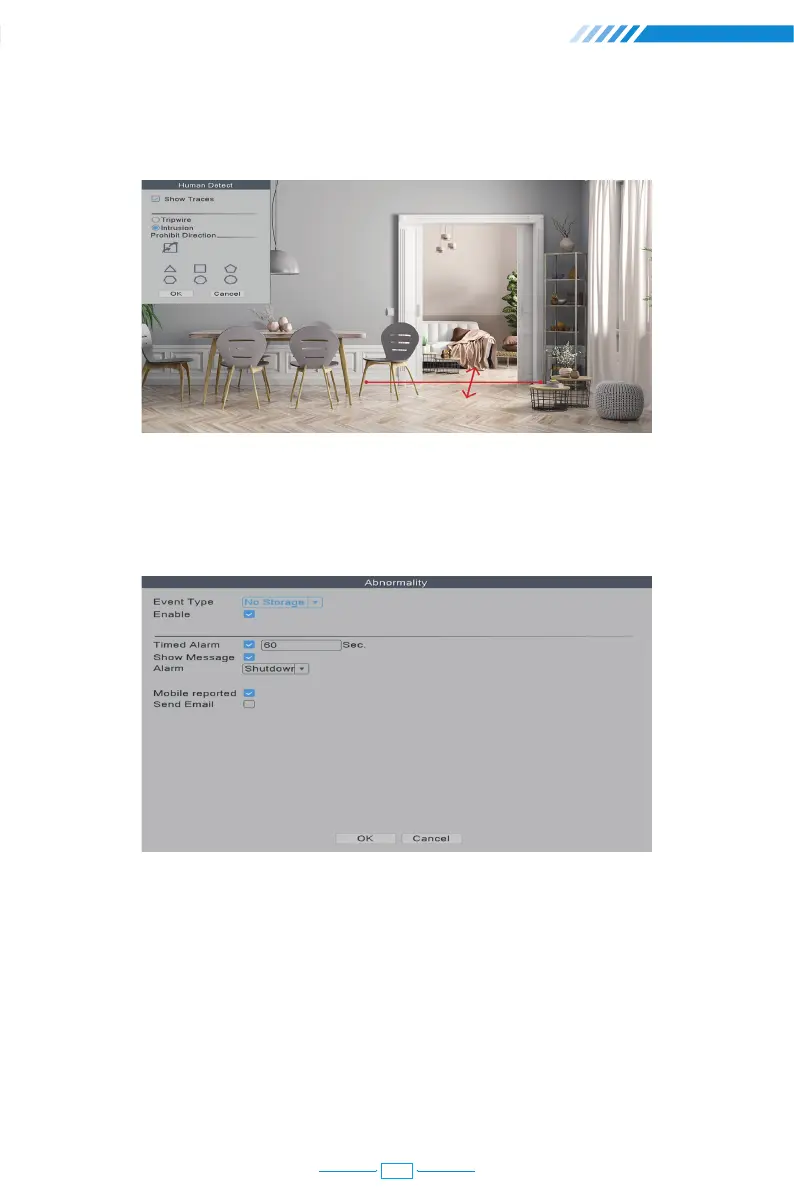
2.13.5 Abnormality Settings
When you choose "Tripwire" in stead of "Intrusion", there will be a line on the screen and
the camera will only detect or make alarm sound when people cross this line.
Right click the mouse→【Main Menu】→【Alarm】→【Abnormality】, in this part, you can set
the alarm for other events.
In the 【Event Type】, there are several options:
[No Storage] The NVR can't detect HDD.
[Storage Device Error] The NVR detects that the HDD is not working correctly.
[Storage No Space] The HDD is full.
[Net Disconnection] The NVR is disconnected to the Internet.
[IP Conflict] There are other devices in the LAN using the same IP address as this NVR.
22



 To Next Page