1 NVR Installation
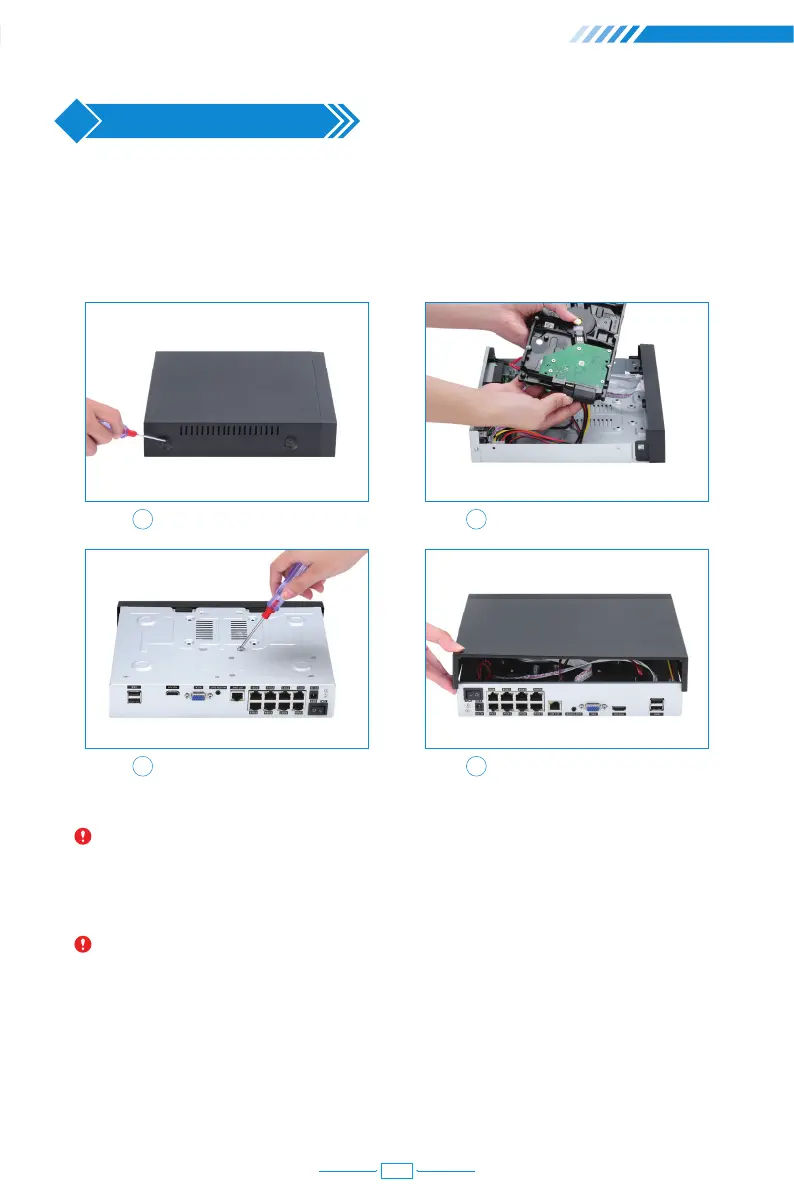
1.1 Hard Disk Installation
Please install the hard disk first. If not, the video recorder can only monitor normally, but
cannot record or playback.
Notice: Please choose a specialized monitoring hard drive disk in order to record
for a longer time. The video recorder supports 3.5" or 2.5" SATA hard disk.
Warning: please make sure the power is off before installation.
1 2
3 4
Remove the case Plug in SATA cable
Screw HDD to the bottom Install the case back
1.2 Boot & Preview
Make sure the power supply matches the requirements of the hard disk video recorder.
After connecting the power, the indicator on the front of the NVR will light on and you
04



 To Next Page