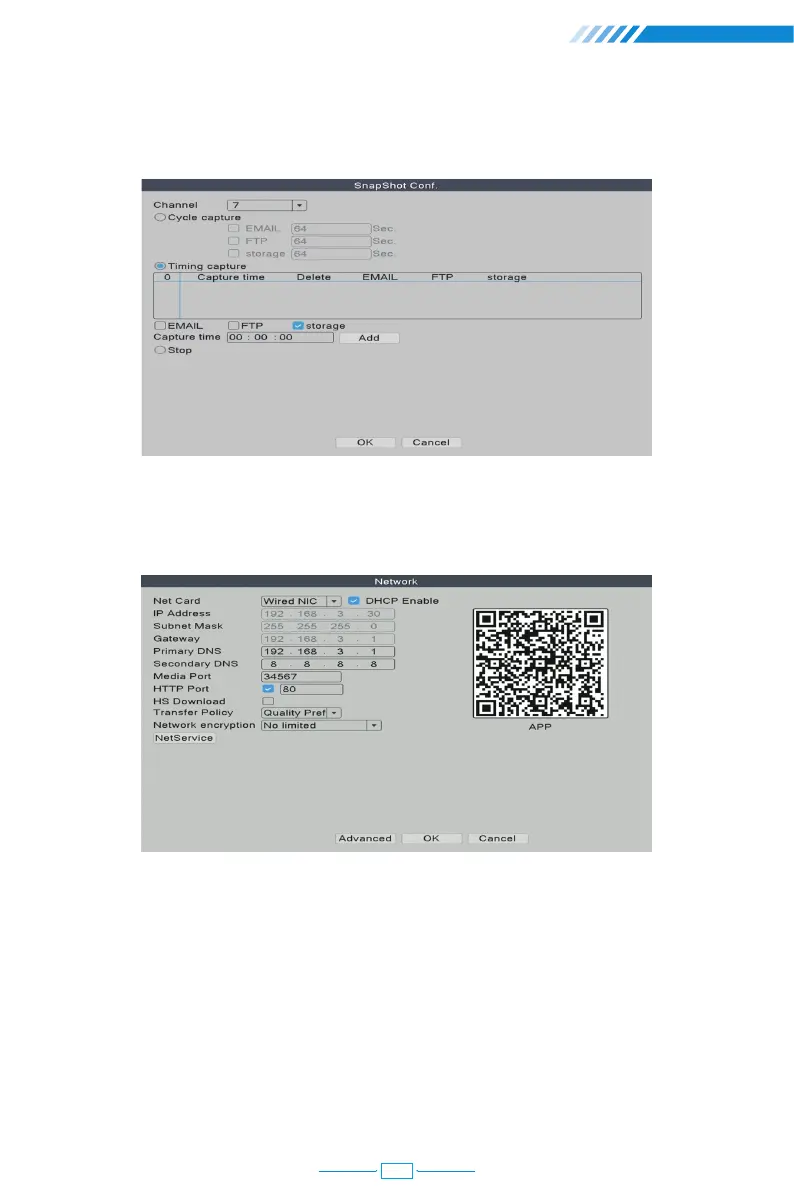
[Timing capture] The camera will take snapshots at the time that you set when you
choose Timing capture.
[DHCP Enable] Tick it to automatically obtain the lP address assigned by the server.
[IP Address] It has to be a unique IP address on the same LAN segment to avoid conflicts
with other equipment in local area.
[HTTP Port] A port number for remote visit, default value is 80.
[NetService] Here you can enable functions like RTSP, FTP, Email and other services.
2.8 Network Setup
Connect NVR to Router→ Right click the mouse→【Main Menu】→【Network】
01
11



 To Next Page