CHAPTER 3 OPERATION
25
CHAPTER 3 OPERATION
3.1.1 Install Software & Connect UV2600 to PC
Turn on PC,install “UV Analyst” software to PC.
Turn off UV2600,and connect UV2600 main unit to RS232 port of PC.
As for PC without RS232 port, user needs to buy “USB to RS232” convertor.
Confirm RS232 communication cable connecting to UV2600 main unit has
connected to any port of COM1~COM8. If port convertor is used, may need to
set the software, refer to port convertor instruction manual for detail.
Turn off UV2600 main unit, and connect UV2600 main unit to PC. Turn on
UV2600, run the software in PC, and instrument will check the following items
automatically.
Check wavelength driving system
Check A/D conversion system
Check calibration at wavelength 656.1nm
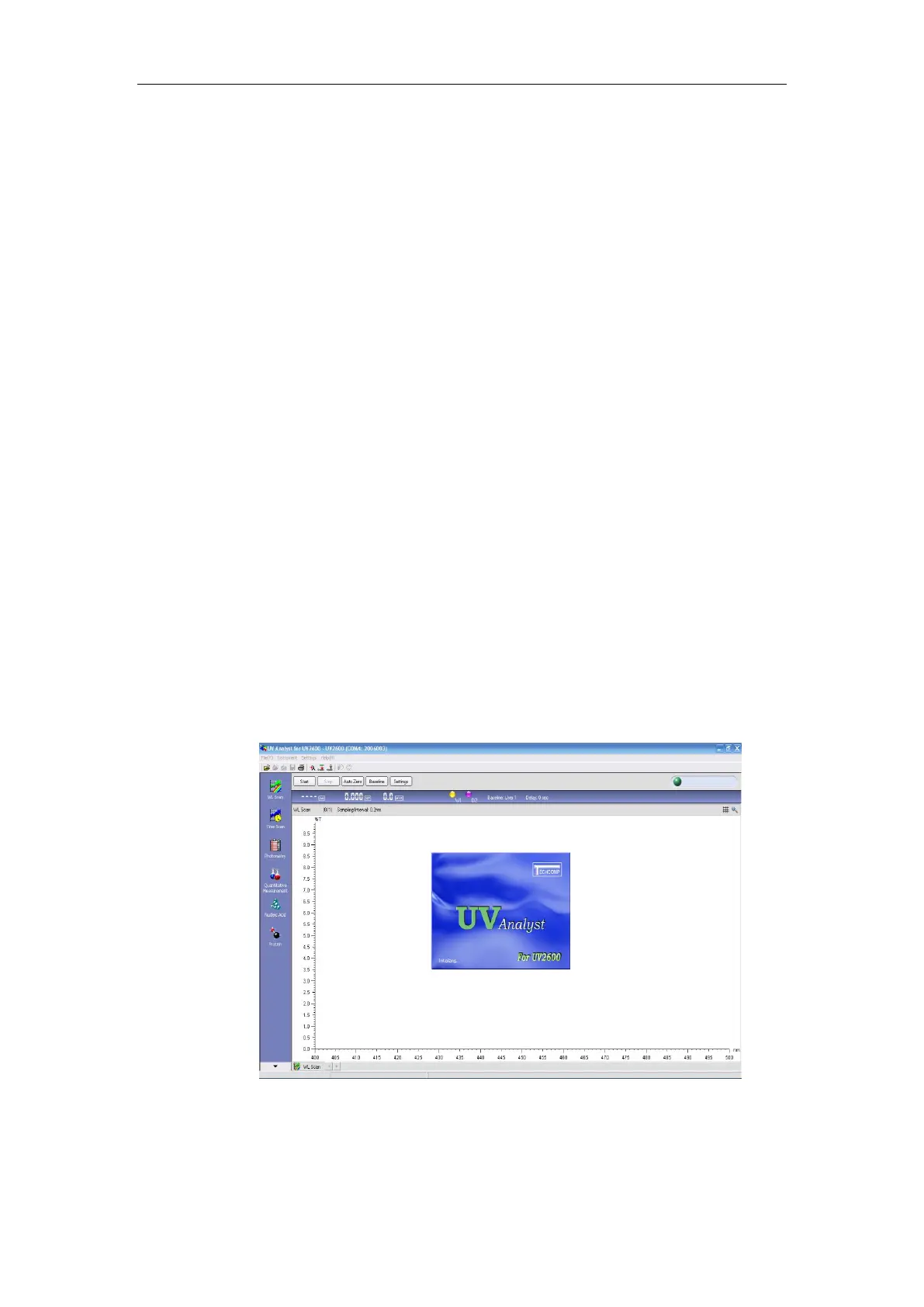
Figure 3-3 UV2600 Initialization Interface



 To Next Page