13
Caution:
Do not insert nor unplug a powered power supply from the chassis without
disconnecting the power source.
When the equipment is brought from a cold into a warm environment, the device
should be acclimated to the environment temperature and humidity conditions for at
least 30 minutes. Non-acclimated devices may not meet the technical specifications
as described. Powering up a non-acclimated device may result in damage to the
component and/or chassis.
2.6 Cabling the Management Ports
Introduction
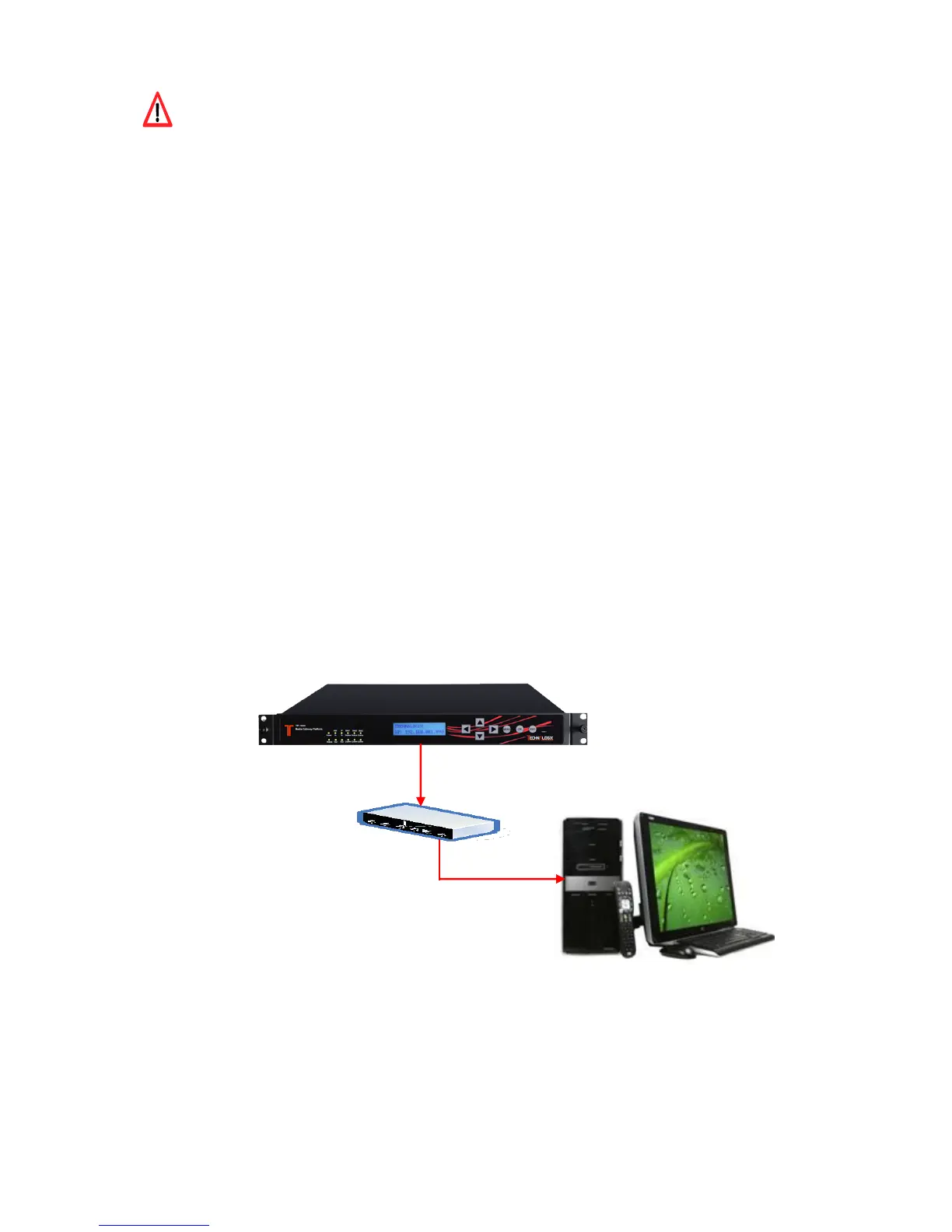
The operation on the equipment will be mostly carried out through the Network Management
Software (NMS). Please connect the management port on the rear panel with the monitoring
computer in advance
Required Cable
Use Category 5 (CAT5E, minimum) STP Ethernet cable for connecting the management ports.



 To Next Page